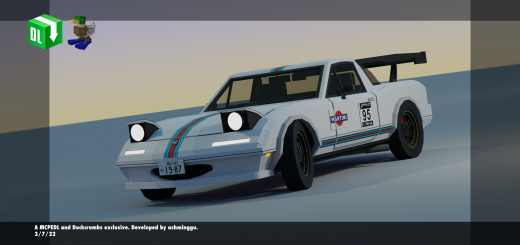
The Eunos Roadster, otherwise known as the MX-5 Miata (Miata MX-5 NA) outside of Japan. A very compact sized car that is fun to speed around corners and turns, makes driving at 40km/h feel like 100km/h!
Has moderate-high speed, 2 seats, advanced animations and advanced sounds
- Openable/closeable doors – Refer instructions below
- Acceleration – Car speed increases over time
- Immersive sound effects – Refer list below
- Dynamic hitboxes – Deals damage to entities that are ran over at a certain speed. Now also deals damage to other players!
- Car explosion – Car explodes when destroyed
- Advanced animations – Working gauges and stickshift, wheels and steering wheel
- Realistic car movements - Car tilts upwards/downwards when moving upwards/downwards.
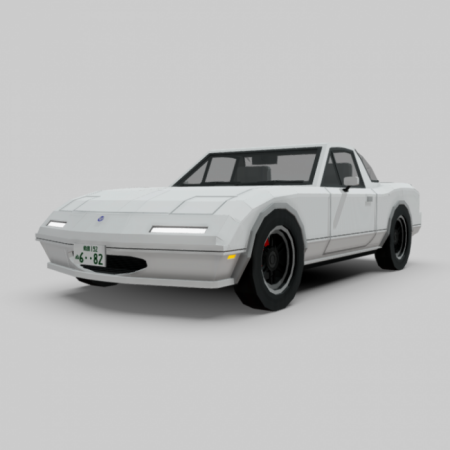
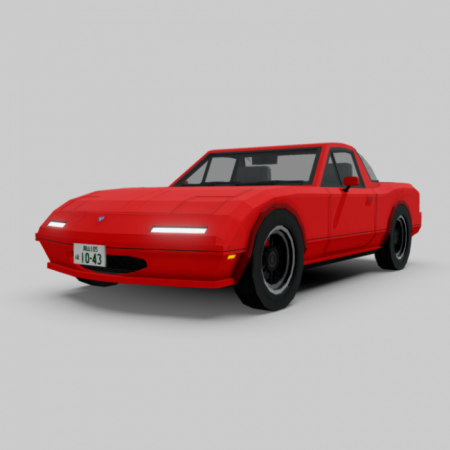
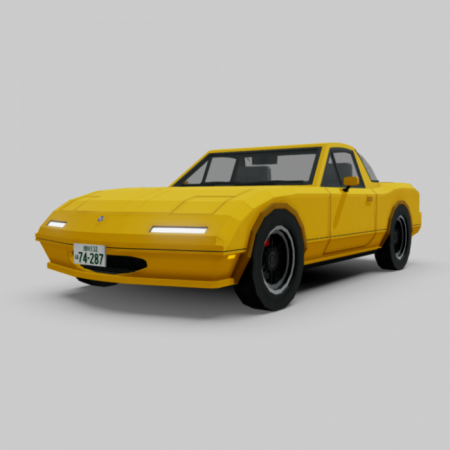
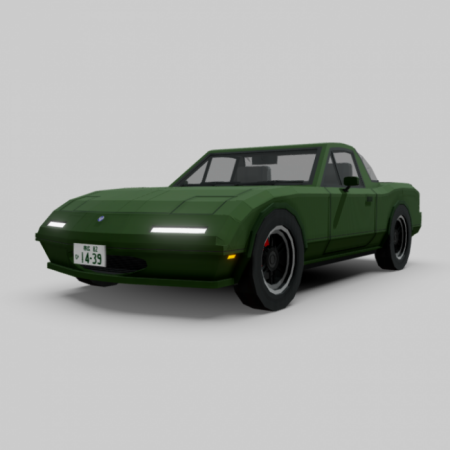
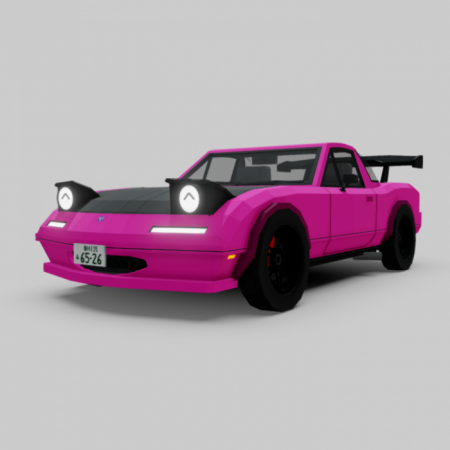
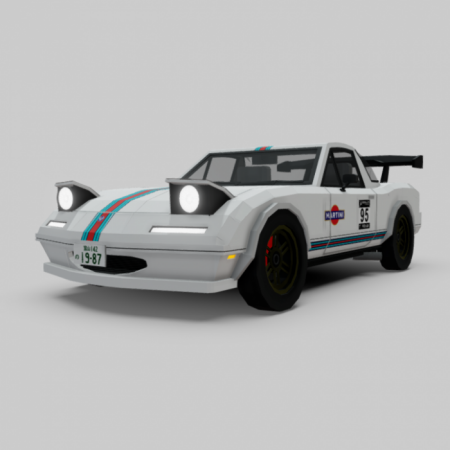
Has 2 variants, consisting of a total of 5 different colors options for the first variant and 2 options for the second variant.
1) Stock
White![]()
Red![]()
Yellow![]()
British Racing Green![]()
Black![]()
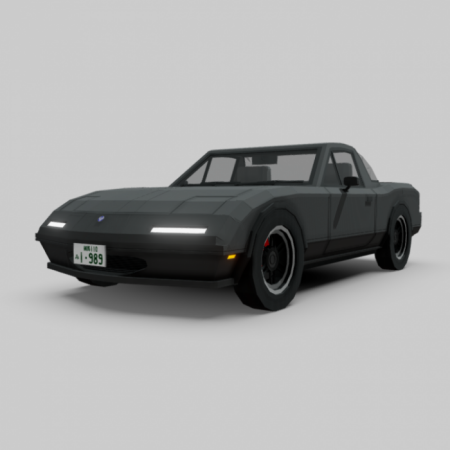
2) Custom
Pink![]()
Flyin' Miata / Martini Livery![]()
Rear profile![]()
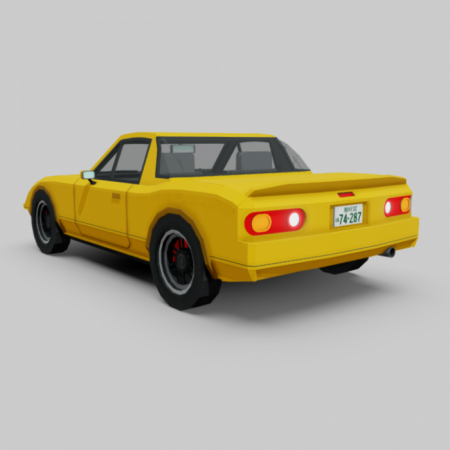
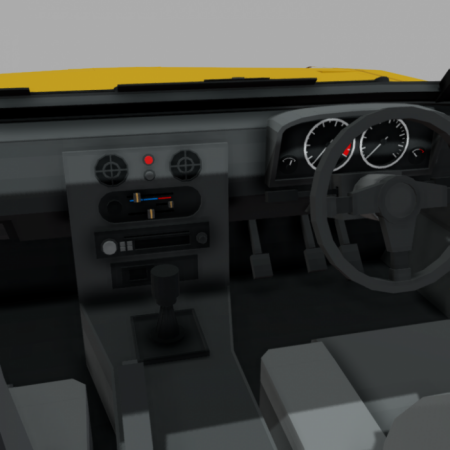
Interior![]()
How to open the doors, take off hardtop & turn on/off popup headlights (Important!)
Doors:
- To OPEN the doors, right click the car and the doors will open. Right click again to get in.
- To CLOSE the doors, right click WHILE shifting/crouching.
Popup headlights:
- To turn the popups ON, right click WHILE shifting/crouching WHEN the doors are closed and the popups will turn on!
- To turn the popups OFF, right click WHILE shifting/crouching.
Hardtop:
- To PUT ON/TAKE OFF the hardtop, you will need an item called "Wrench". You can search it in the Creative inventory.
- Once you have the Wrench in your hand, right click while holding the wrench and the hardtop will be taken off/placed back. Right click with the Wrench again to place back/take off the hardtop.
Advanced sounds:
In total there are 6 sound effects for the cars.
- Startup sound effect - When the player sits in the car
- Advanced driving sound effect - When the player drives the car
- Custom car damage sound - When the car is damaged / takes a hit
- Door closing sound effect - When the player closes the door
- Door opening sound effect - When the player opens the door
- Popup headlights sound effect - When the popups are turned on/off.
How to obtain:
Method 1: Get their spawn eggs from the Creative Inventory. They are classified as spawn eggs. You can search "Eunos" or “Roadster” without the " for a more convenient way of getting them.
Method 2: Use /summon commands.
Confused about the download links?
- Win10 = High speed version, suitable for race track maps. (0.625mcm* = 27.5ms⁻¹)
- Mobile = Lowered speed version, suitable for small city maps. (0.525mcm* = 23.1ms⁻¹)
- Classic = Has the same top speed as the Win10 version but WITHOUT MOST OF THE 7 FUNCTIONS (acceleration, dynamic hitboxes, etc.). Less features but the most optimized version out of the three.