Addon: Ferro Furniture
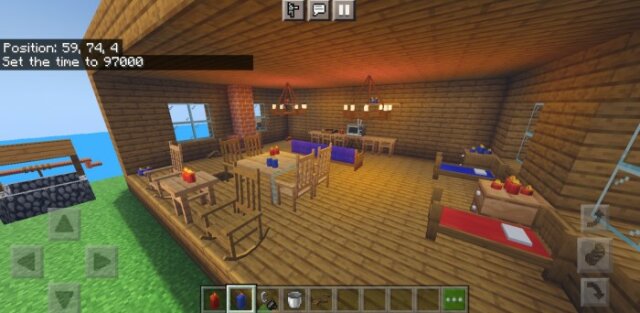
Ferro Furniture has arrived, which contains furniture suitable for medieval Minecraft, beautiful and advanced interactive features and colors, and you can start your adventures in the world of Survival with this beautiful furniture.
Well, I have finished the first version of this furniture, which provides beautiful features and designs that are suitable for Minecraft in terms of the style of the game and uses the texture of Minecraft. This furniture is from the Middle Ages, which is suitable for Minecraft. The download method and details will be explained below, and do not forget to rate and write your suggestions
- Contents:
- rocking chair type 2 :interactive
- television :interactive
- Tv table type 2
- big table type 2
- color bed 2 :interactive
- Bed locker type 2 :interactive
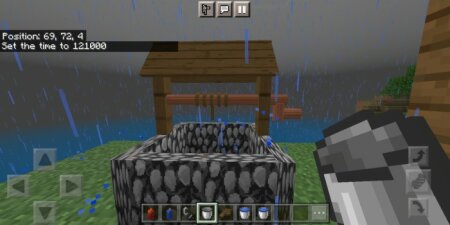
- Water well :interactive
- ceiling light :interactive
- candle 2 :interactive
- chair type 2:interactive
- rack type 2
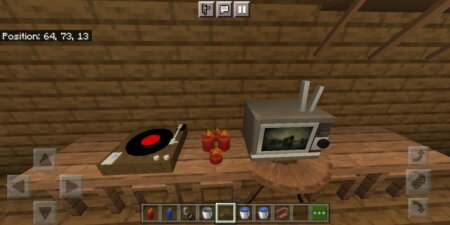
- Music Player :interactive
- fireplace :interactive
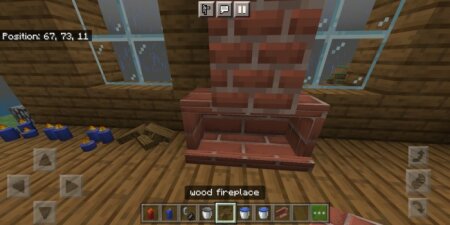
- wood fireplace
- sofa
The way to get the furniture is very easy
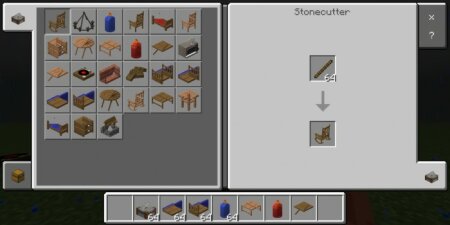
The furniture contains two types of wood and colors at the moment, more will be added in the next updates
You can interact with the wax by adding more than one candle. Each candle increases the light and supports the sounds
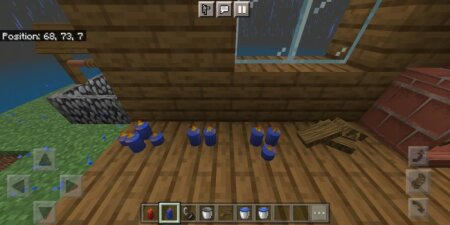
Put the wood in the fireplace and then use the lighter to work
You can interact with the water well, you need an empty bucket, add the bucket, then lower the bucket and you will get a bucket of water
You can play TV and music and also music does not contain copyright
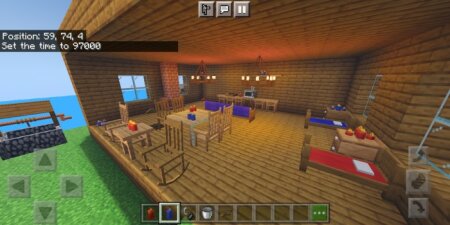
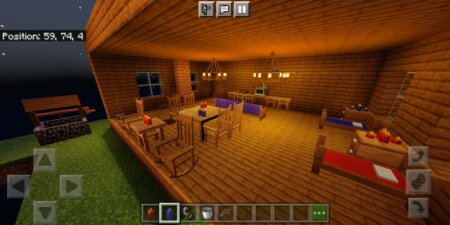
Some pictures:
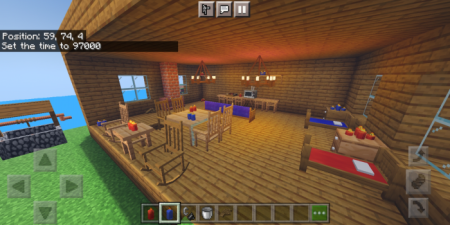
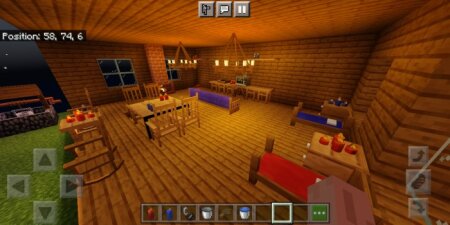
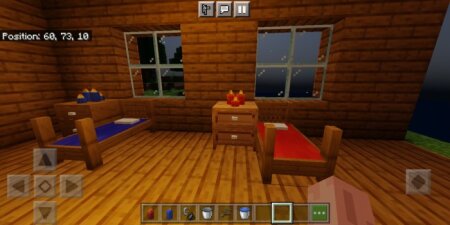
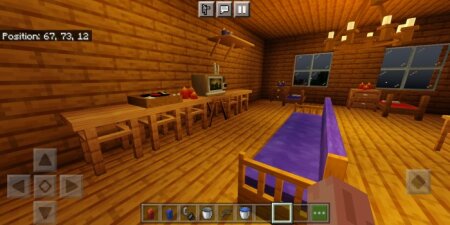
Installation
You must activate the experimental options or it will not work
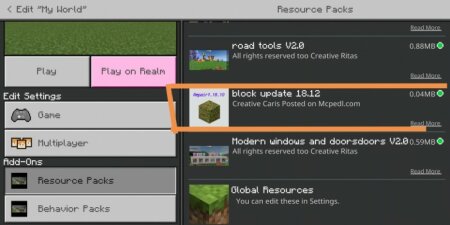
You have to apply the update blocks for it to work, otherwise it will only show update blocks
Compatibility and installation
- Minecraft versions: before downloading, compare your game build with the supported versions: 1.18,1.17.
- Platforms: this content is listed for android, windows, iOS; behavior may differ on other devices.
- Installation: open the downloaded file in Minecraft Bedrock/PE and enable the pack in world settings. If experiments are required, turn them on before launching the world.
For a complete world setup, browse more Minecraft Bedrock mods, maps, textures and shaders.