Addon: Better Biome Villages
Author: VoxenMC2
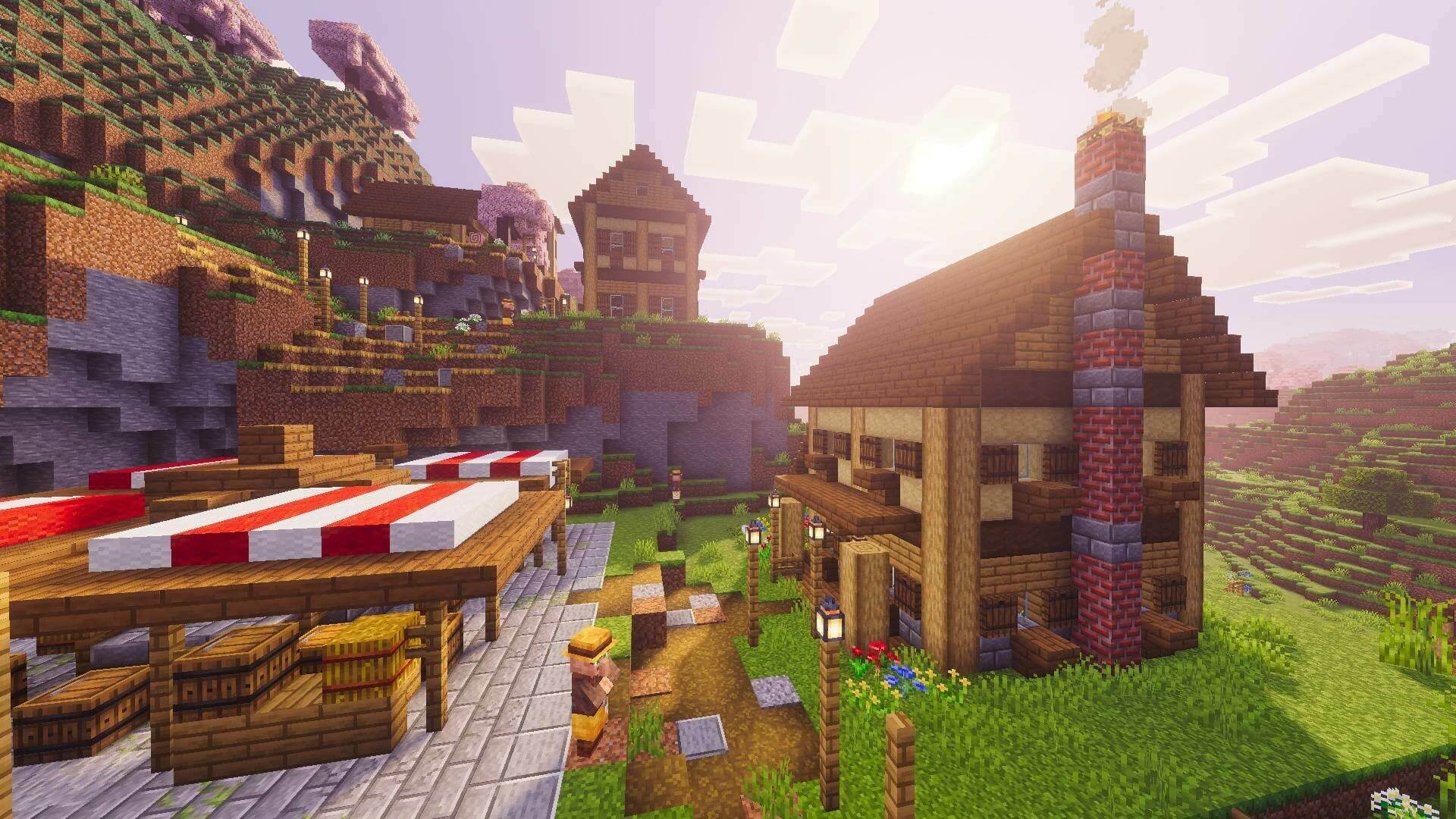
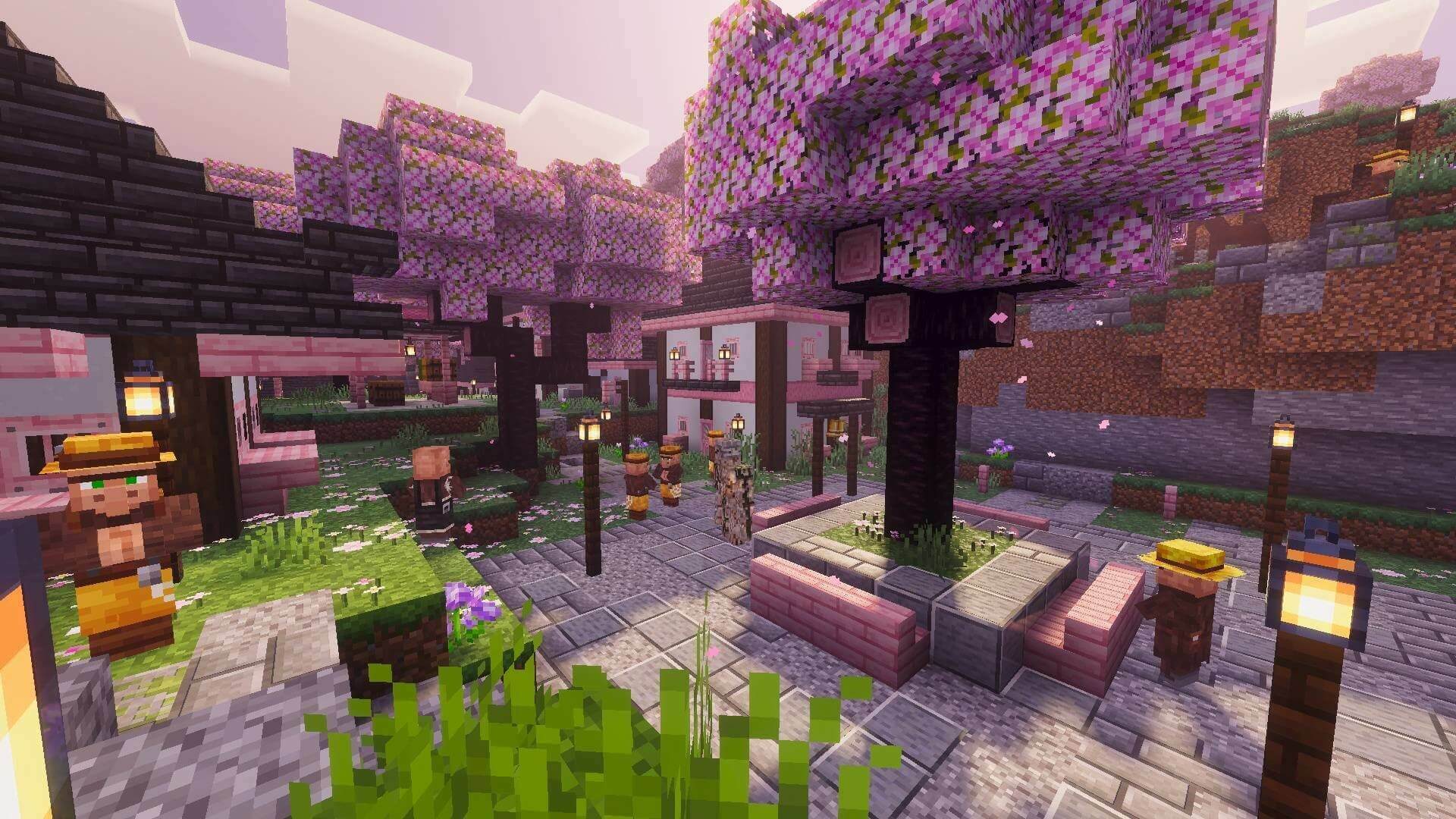
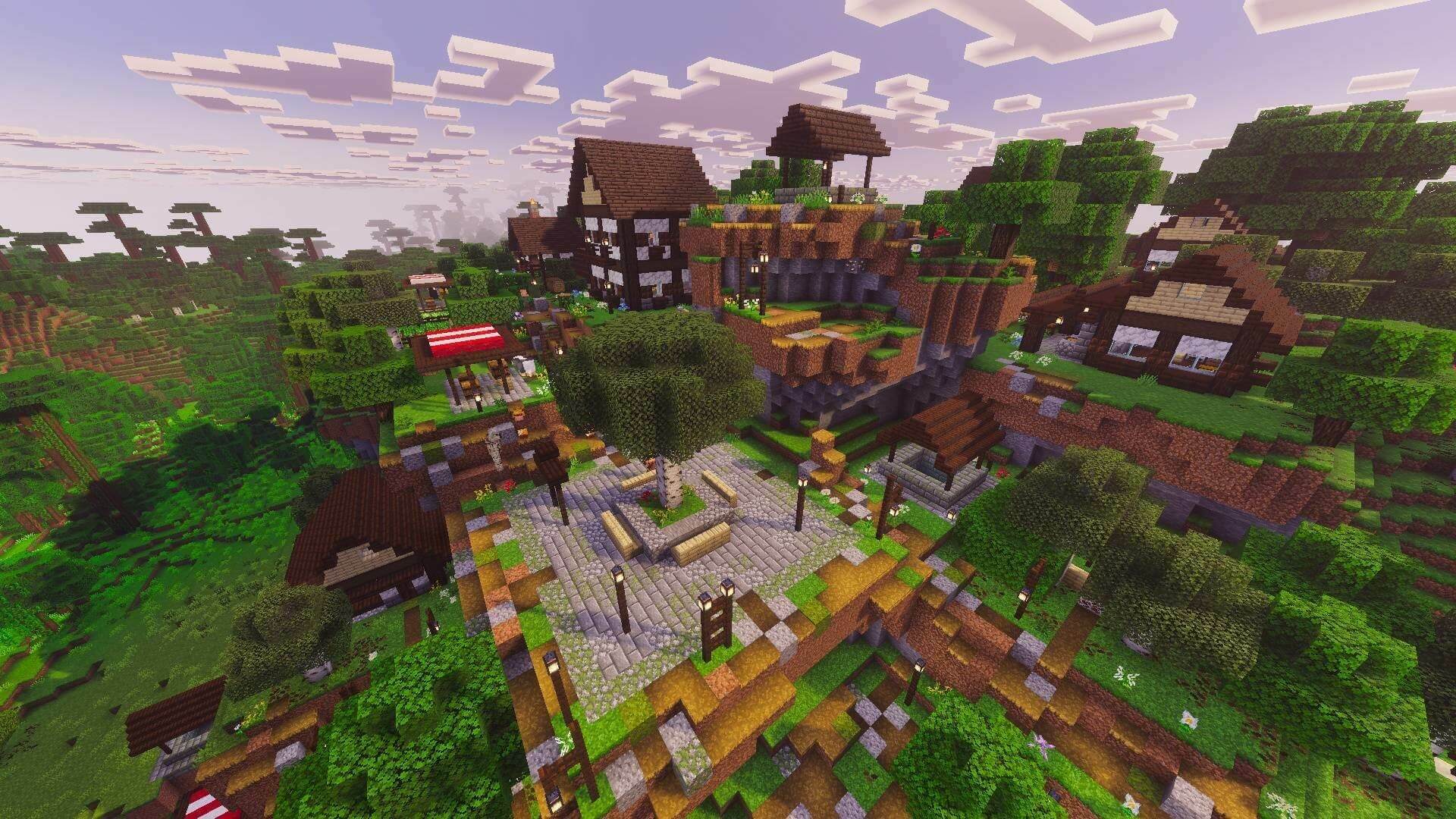
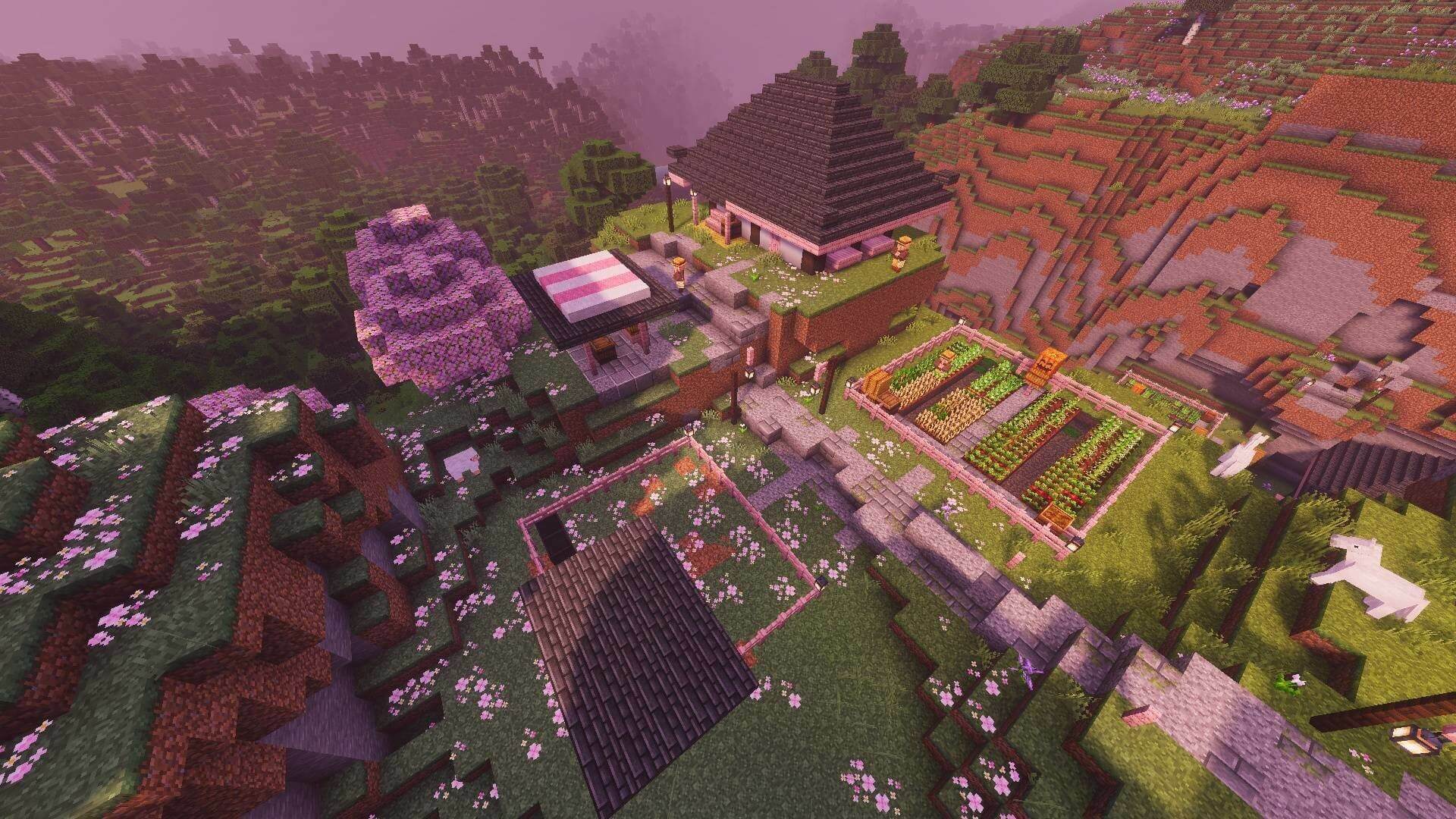
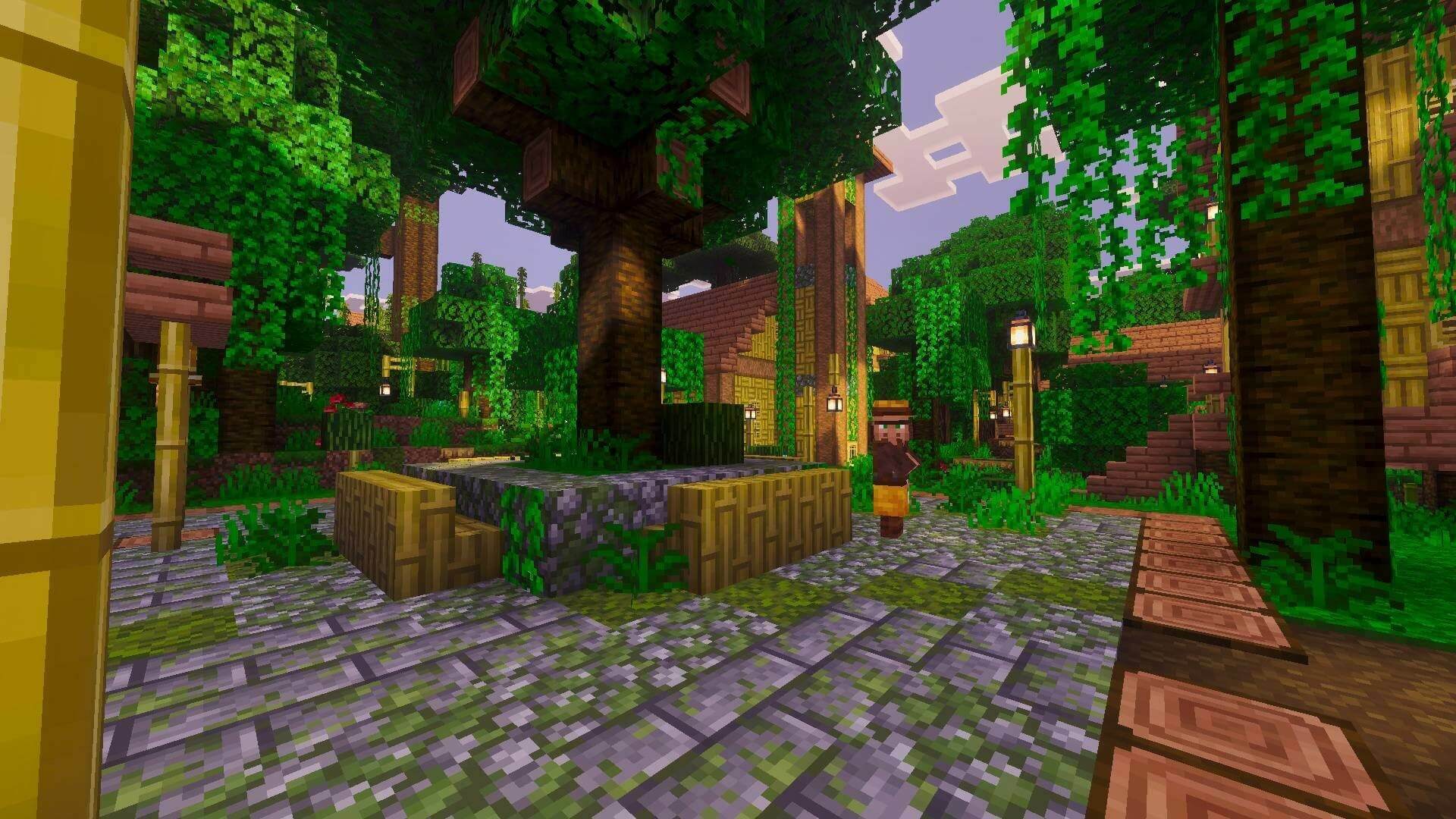
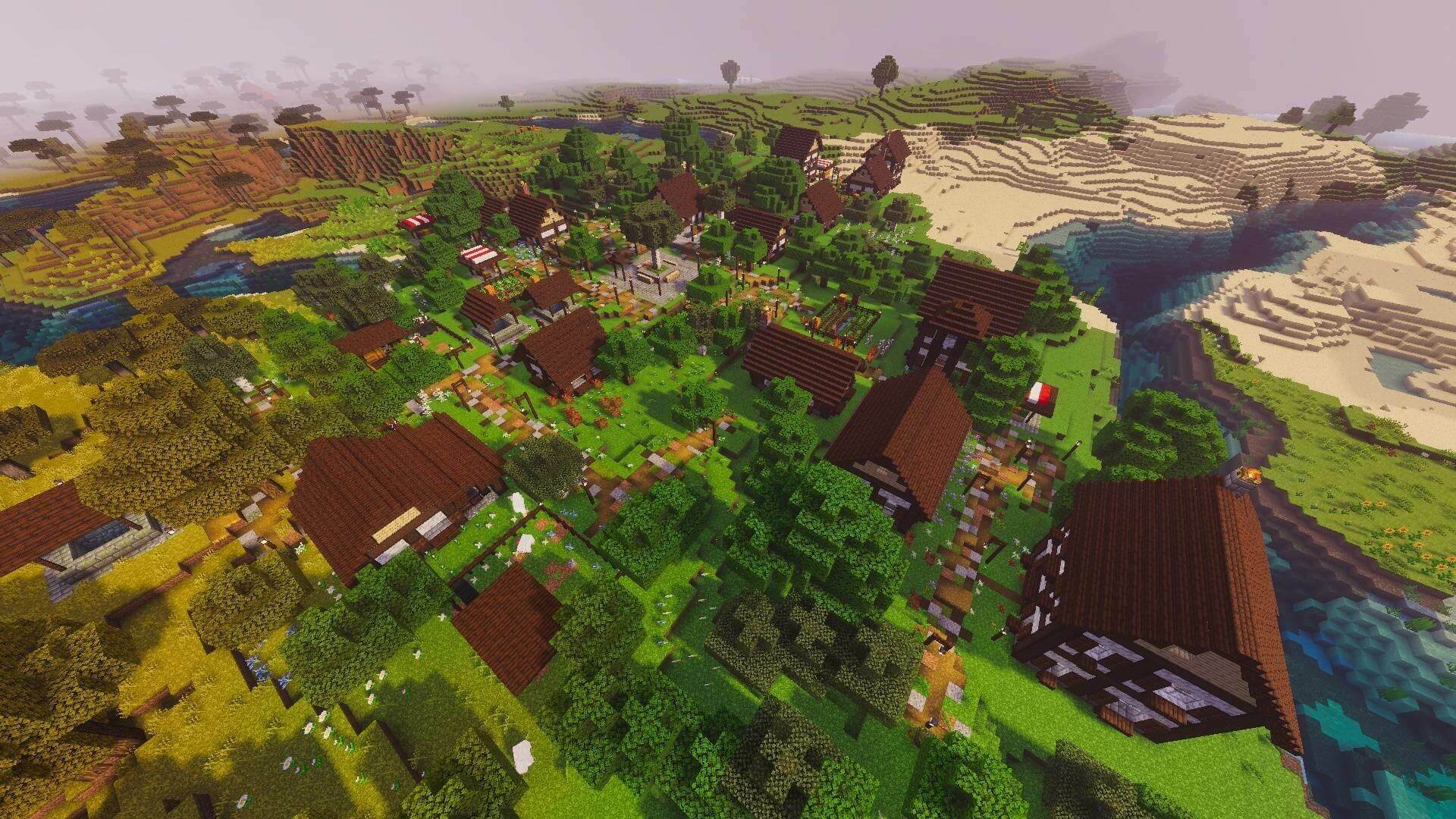
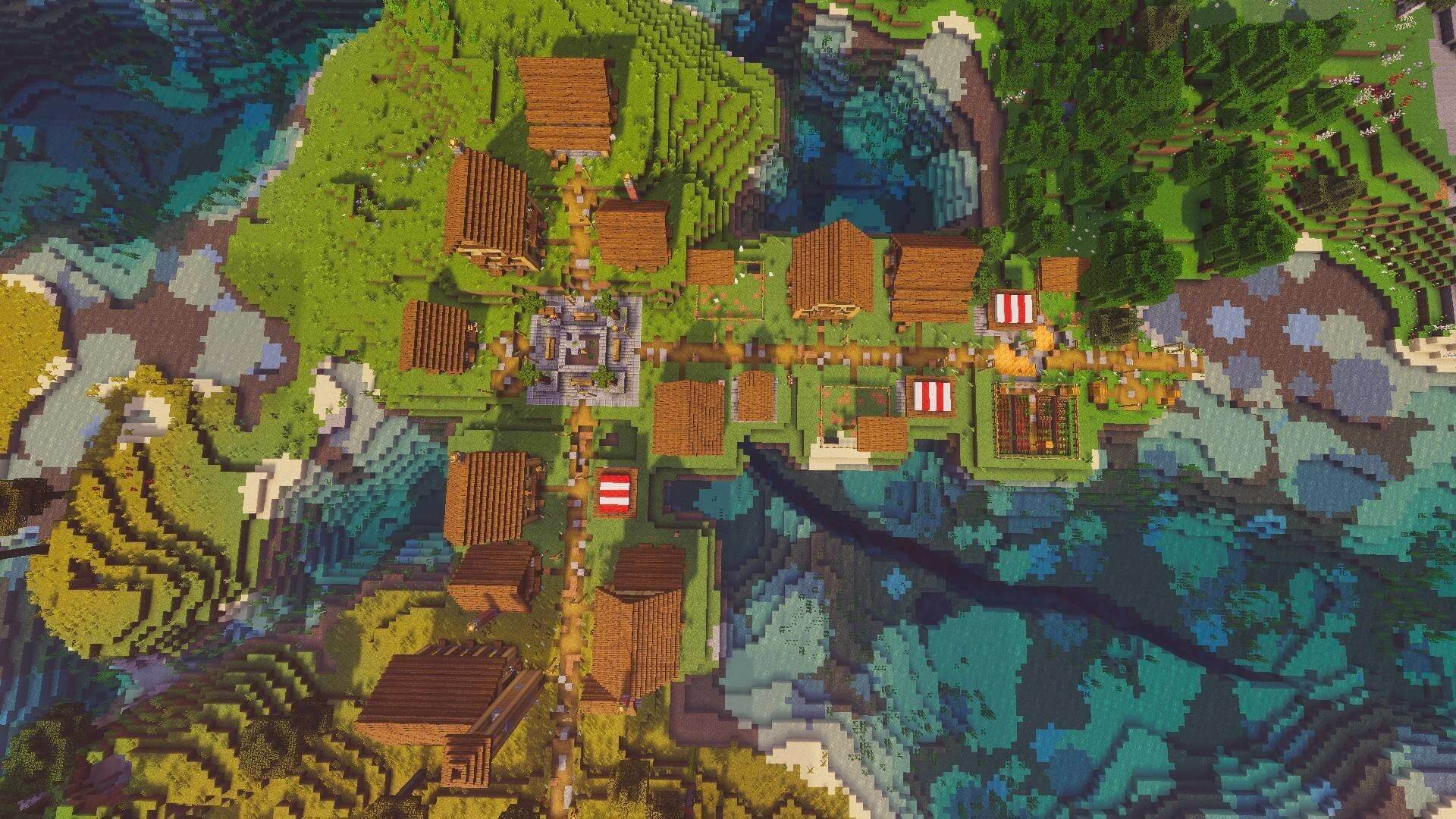
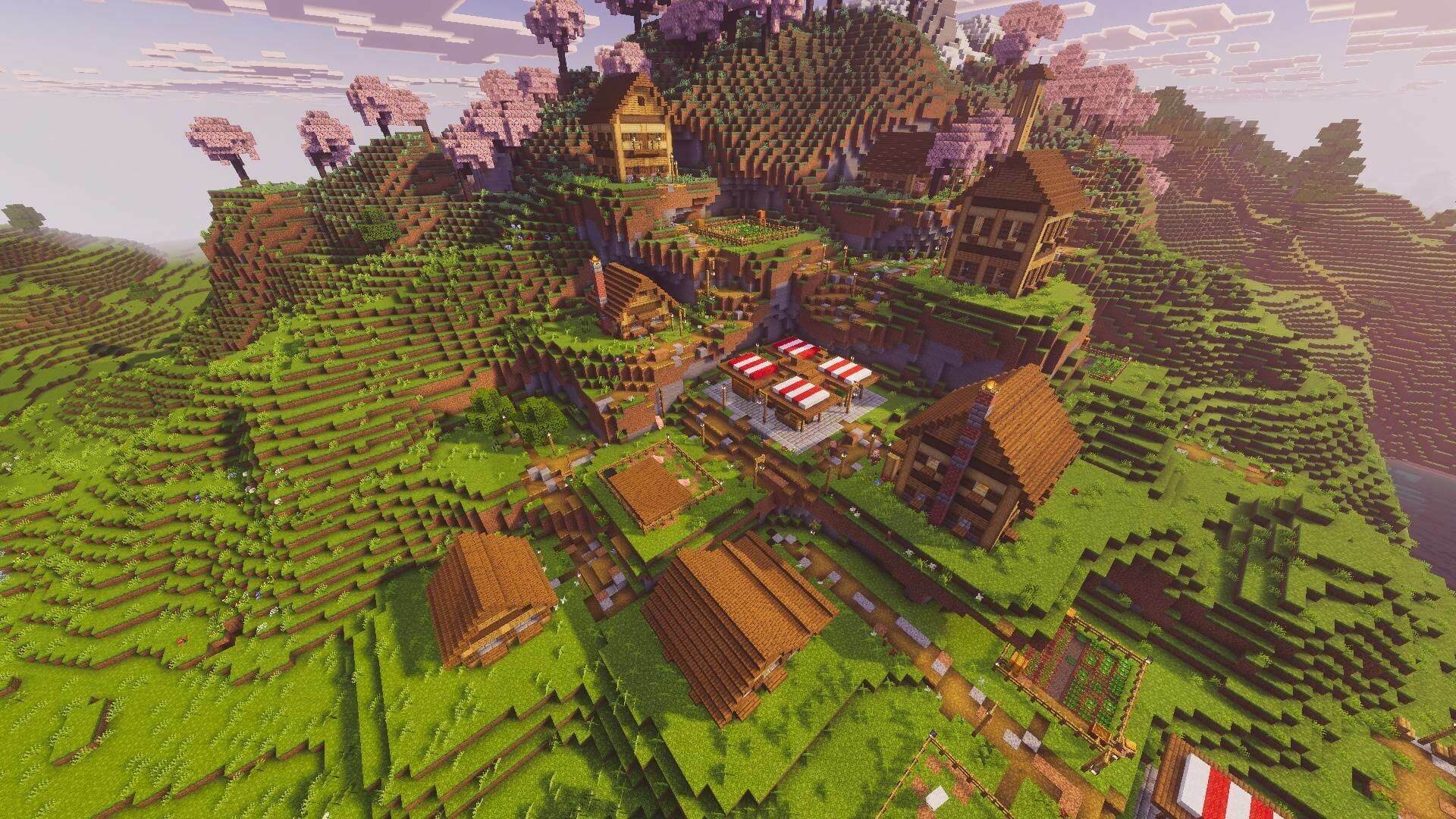
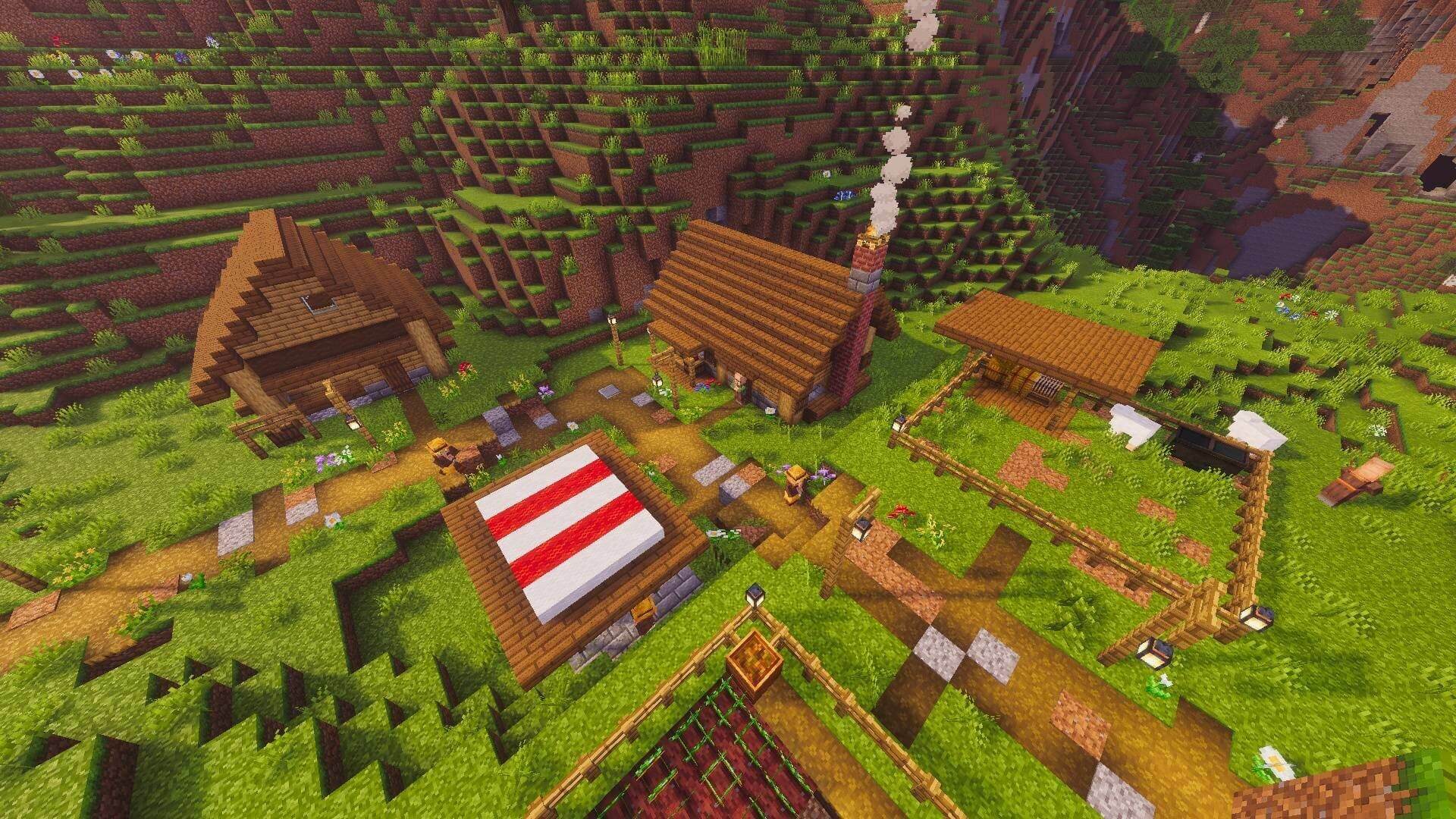
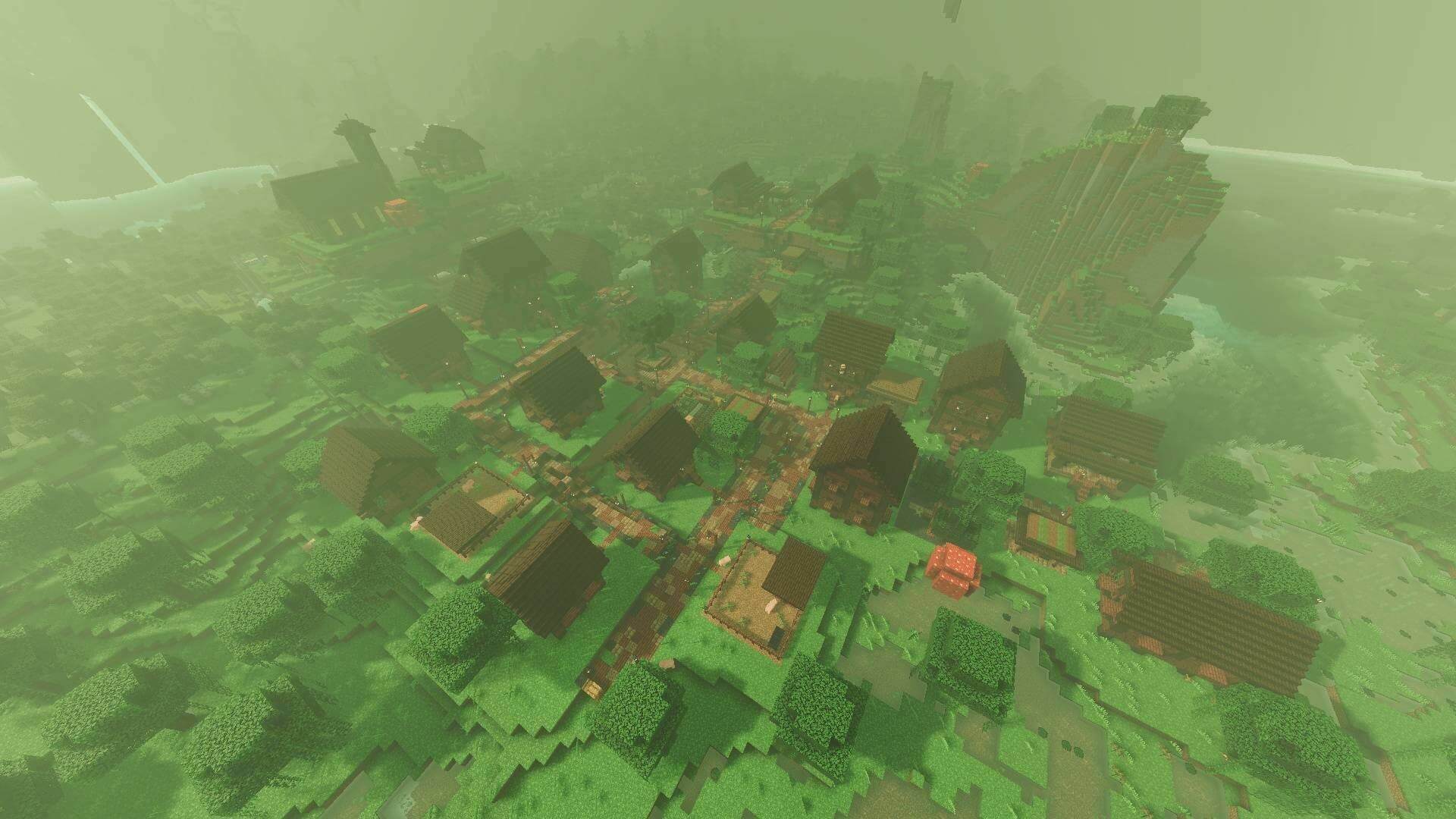
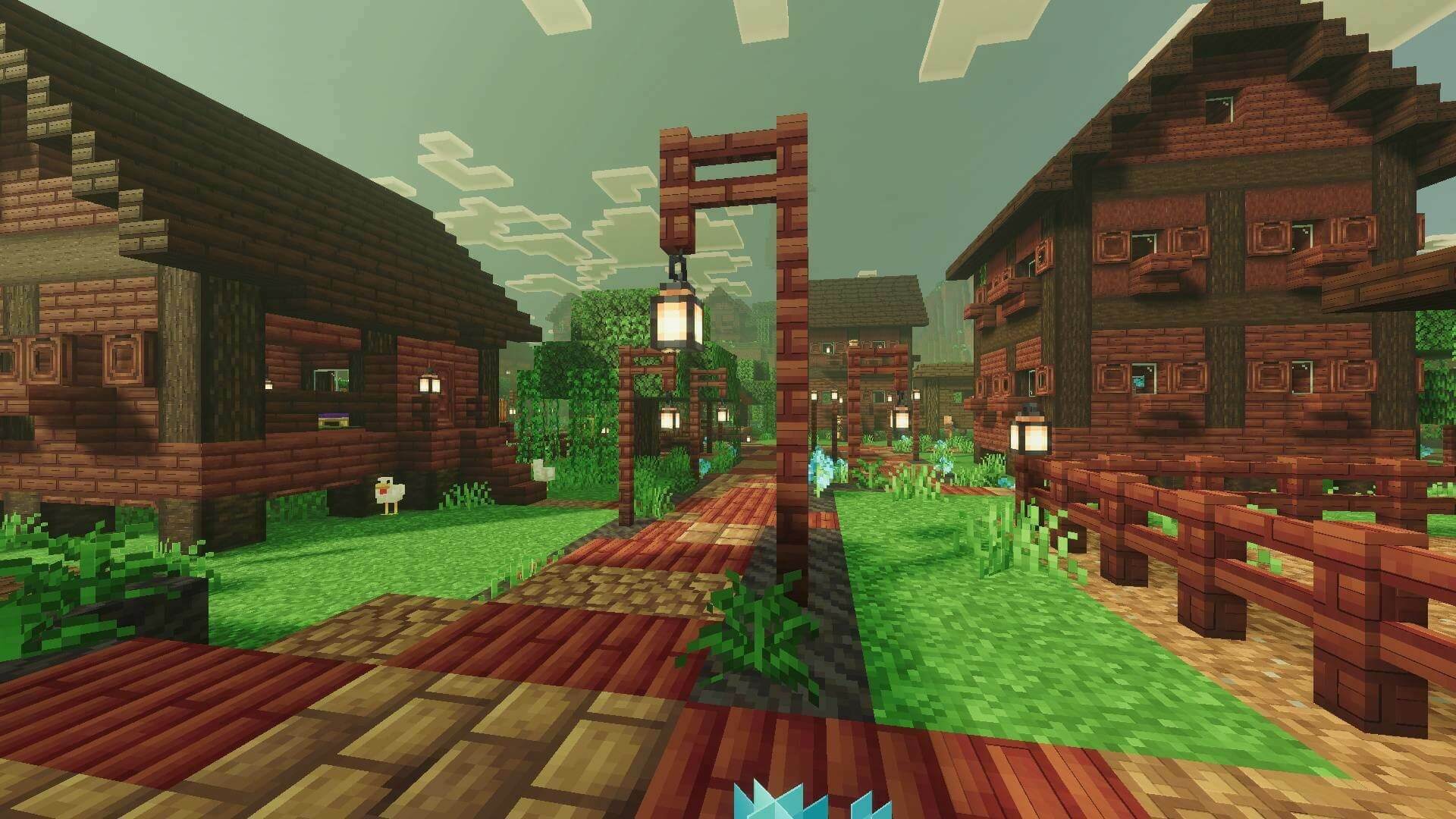
Better Biome Villages expands village generation to eighteen environments. Buildings use materials and shapes suited to their surroundings, adding settlements to places where ordinary villages do not normally appear.
Surface and underground settlements
Surface variants cover plains, forests, dappled forests, taiga, snow, deserts, savannas, jungles, swamps, badlands and cherry groves. Lush caves and dripstone caves also receive settlements, giving underground exploration new destinations.
Nether villages
Nether wastes, crimson forests, warped forests, soul sand valleys and basalt deltas each have their own village style. Explore buildings, wart farms and chests containing themed resources such as gold, quartz, blaze rods and rare netherite scrap.
Finding a settlement
For a plains village, use /locate structure voxen:village_plains. Other variants use their corresponding biome suffix. Search for Nether settlements while inside the Nether. /function village/plains generates a plains village at your position; use a clear area and a backup because generation can replace nearby blocks.
The eighteen styles consist of eleven surface variants, two cave variants and five Nether variants. Biome-specific materials are part of the settlement design, not just a color filter on an ordinary village. Generate villages manually only where replacing terrain is acceptable; locating a naturally generated one avoids that intervention.
For Minecraft 26.50
How to install the add-on
Download the .mcaddon or .mcpack file, open it with Minecraft and wait for the import to finish. Then enable the resource and behavior packs in the world settings. If the add-on requires experiments, turn them on before launching the world.