Addon: Netherite Octoarachnopod
Author: iR3DN4X
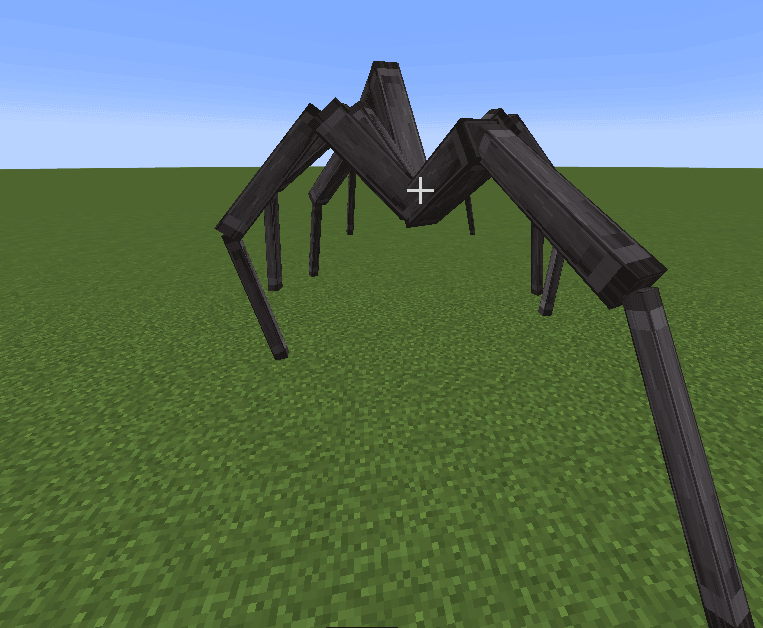
A single persistent predator changes the rhythm of a Bedrock world. It patrols when no player is nearby, pauses when it detects a target and then begins a fast chase. Procedural leg movement lets the spider place its feet on uneven surfaces, while its changing body size lets it threaten both open ground and narrow shelters.
Two forms of the hunter
- The netherite form has 350 health, strong armor and fire resistance. A bite deals up to 6 hearts before the player's protection is applied.
- The camouflage form has 600 health but no armor. Its bite deals 5 hearts, and fire can hurt it. Each leg copies the block beneath it and uses that surface's footstep sound.
- Camouflage occurs in roughly one quarter of encounters. The creature can blend into grass, sand and even glass. Both forms have a 3-second interval between bites.
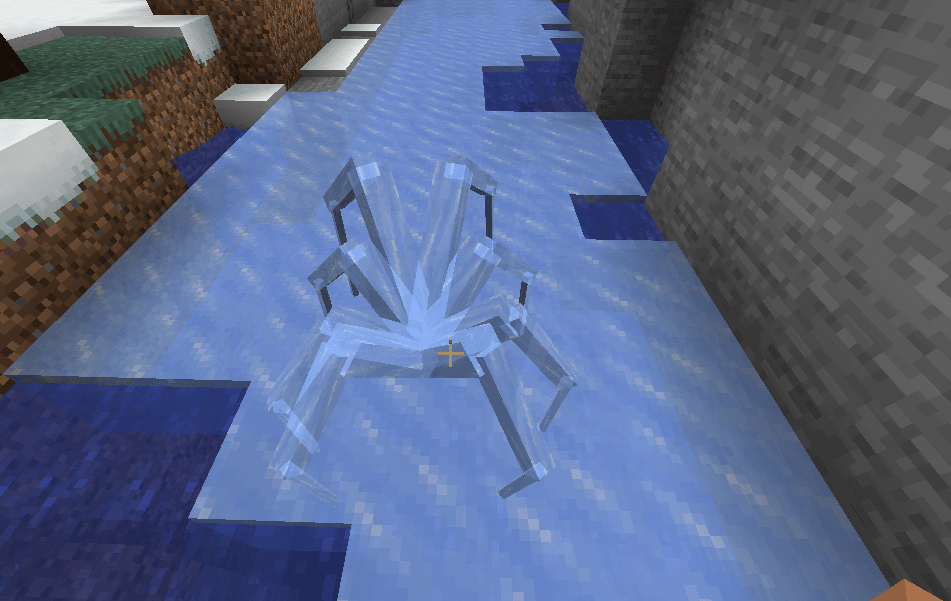
Escaping and fighting
The hunter accelerates over long distances, navigates around walls, seeks openings in buildings and can squeeze into a one-block shaft. In deep water it grows tall enough to continue moving above the surface. Travelling to the Nether or End does not reliably end the chase: the spider can follow between dimensions.
A natural hunter normally arrives about a minute after entering the world. Only one natural hunter is active at a time. Defeating it grants a 40-minute break and a 50% chance of a netherite ingot, which drops beneath its body. Peaceful difficulty removes the hunter and pauses natural spawning.
Creative tools and settings
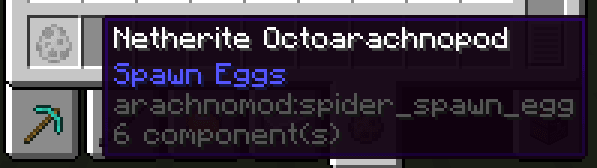
In Creative, use Spider Tamer to calm the spider, then interact with an empty hand to ride it. Movement follows your viewing direction; sneak to dismount. A spawn egg replaces the existing hunter. The /spider newinstance [size] command creates a personal follower, /spider size changes its size, and /spider release dismisses it.
Operators can use /spiderconfig list and /spiderconfig <setting> <value> to adjust spawning, size, pursuit, combat and drops. Settings are saved in the world. For a gentler experience, enable hostileOnlyAtNight or reduce maxSize and chaseDistance. The author has tested single-player on Windows; Realms and dedicated-server support has not been confirmed.
The operator can display a setting with /spiderconfig <setting> before changing it. Command names also have the /arachno:spider and /arachno:spiderconfig forms if another addon uses the short names. Most changes apply immediately; chaseSpeedBlocksPerSecond and legStepSpeed are read when a new spider spawns.
How to install the add-on
Download the .mcaddon or .mcpack file, open it with Minecraft and wait for the import to finish. Then enable the resource and behavior packs in the world settings. If the add-on requires experiments, turn them on before launching the world.