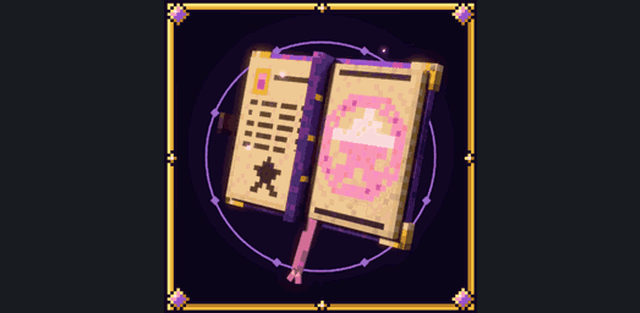
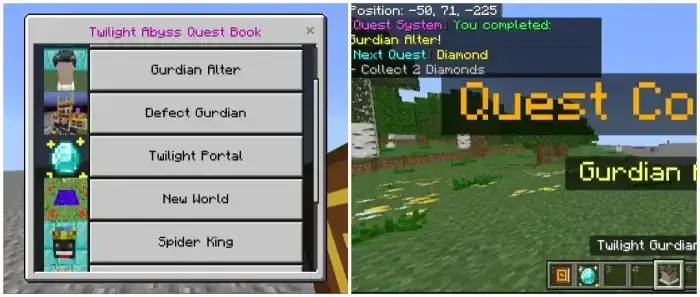
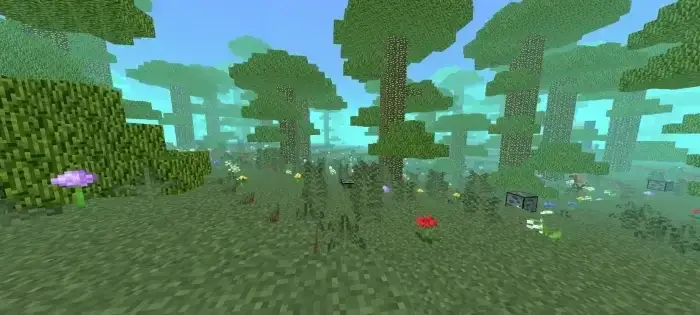
Twilight Abyss opens an infinite dark-fantasy dimension with its own biomes, creatures, structures, dungeons and bosses. A quest book leads through the main progression and the updated quest pop-ups show icons for completed objectives and the next task.
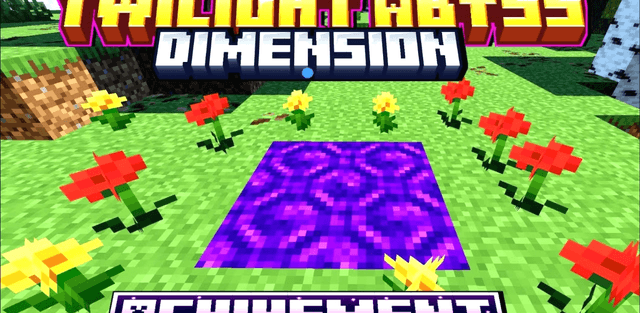
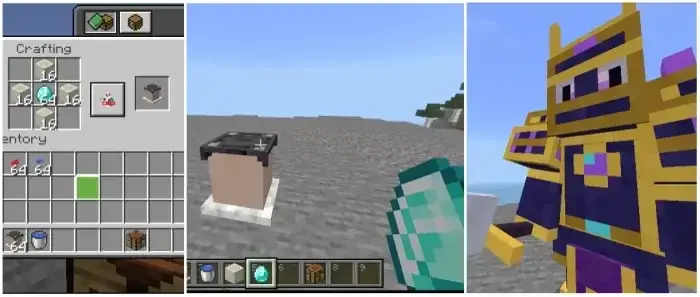
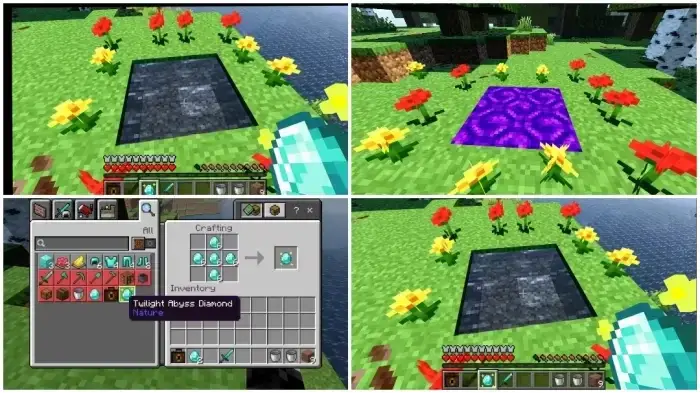
The journey starts at the Twilight Guardian altar. Offering a diamond summons the Guardian, whose defeat awards the Twilight Abyss Diamond. The reward is used to activate a water portal, and the Guardian can also drop a dedicated armor set and sword. Wearing the complete armor grants resistance and fire resistance.
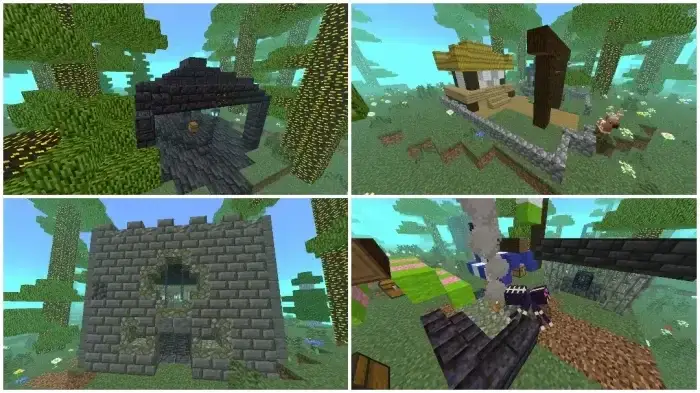
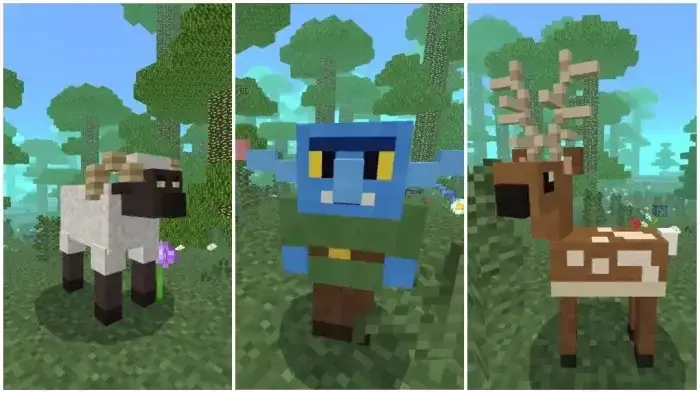
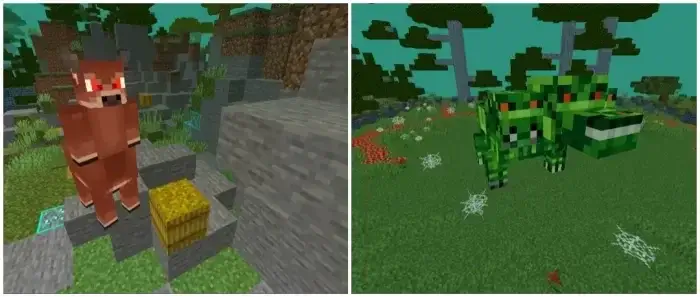
The Umbra Birch forest contains Big Sheep, Deer and Blue Goblins, while the Maple biome is inhabited by Wild Pigs, Chill Mice and Brahma Chickens. Twelve structures are distributed across these regions and contain encounters, loot and dungeon entrances.
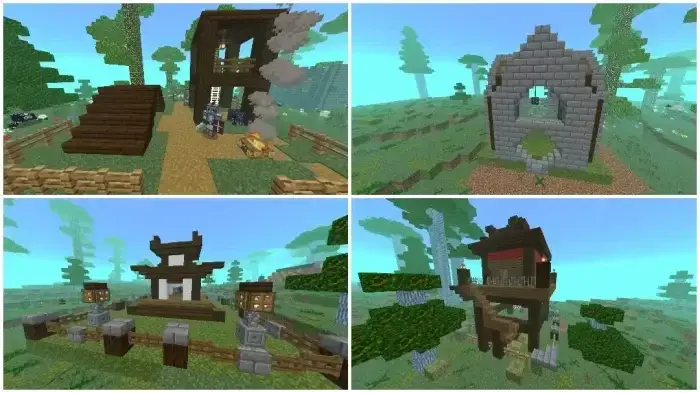
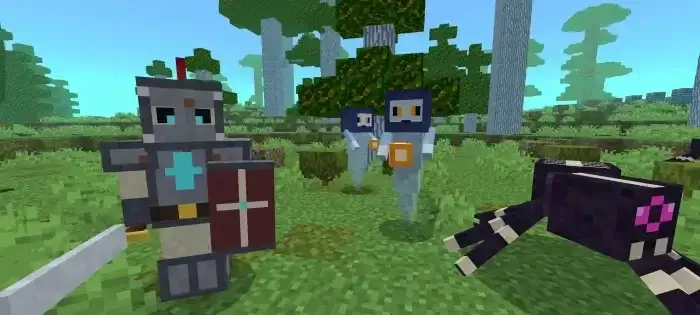
Crypt Weavers, Spectral Seekers, Forgotten Knights and custom zombie variants protect the ruins. Several major bosses live in their own arenas, including the Spider King and creatures found in the Maple dungeons.
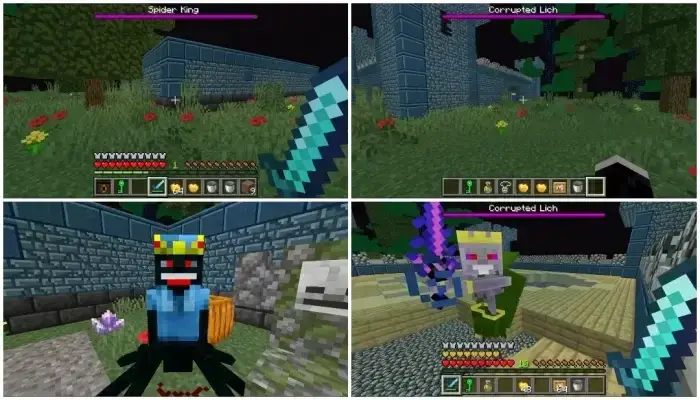
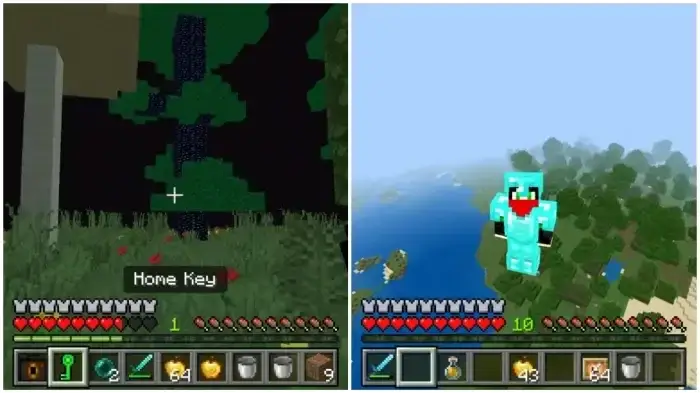
Entering the dimension gives the player a Home Key. It can be used to return to the normal world spawn, making long expeditions through the endlessly generated terrain easier to manage.
The current release also adds eleven quests and clearer objective pop-ups, so the intended order is understandable without filling the description with installation notes.