Addon: Items Carrier
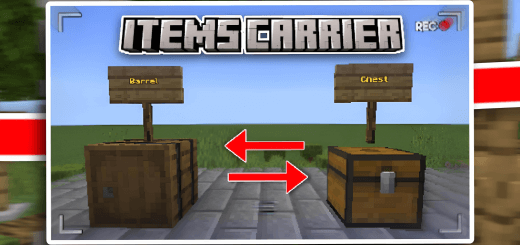
This addon will help you move items from one chest to another and it also works with other addons and it simple to use
Created By SHADOW GAMER100K
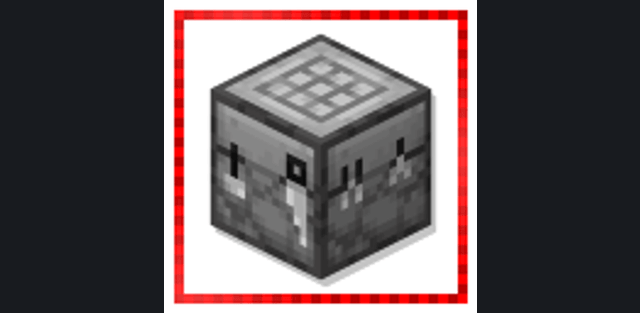
How to get the items carrier item:![]()
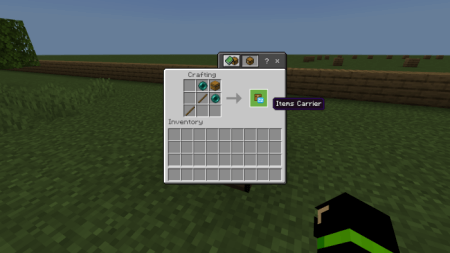
How to use it:
Just hold the item in your hand sneak and click on the first chest or container from which you want to take the items. Then you go to the other empty chest or container in which you want to put the items that you took from the first chest. Then click on it too a menu will appear for you containing a button with the confirmation of the transfer. Press the button. The items will be transferred automatically 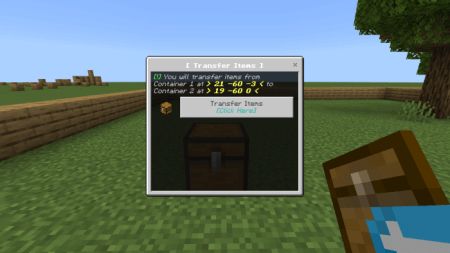
How to install the add-on
Download the .mcaddon or .mcpack file, open it with Minecraft and wait for the import to finish. Then enable the resource and behavior packs in the world settings. If the add-on requires experiments, turn them on before launching the world.