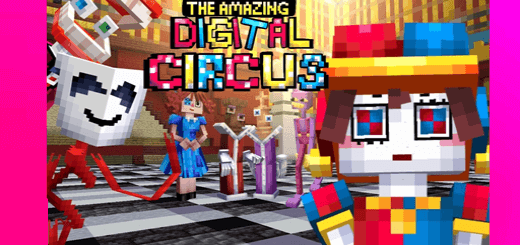
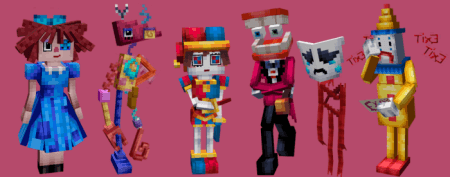
As you explore The Amazing Digital Circus World, you'll encounter five, each having been stuck in this digital circus world for years. Together, you'll embark on a journey filled with challenges, puzzles, and incredible experiences as you work to uncover the mysteries behind your virtual entrapment.
How to Get Items from Game Creative Menu:
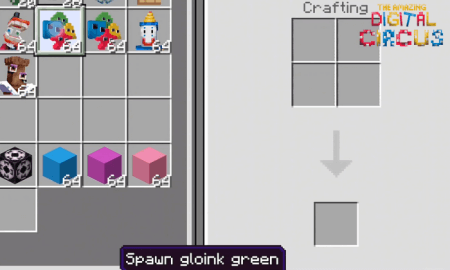
- To access items from the game creative menu in The Amazing Digital Circus World, press "E" (default key) to open your inventory.
- Navigate to the "Creative" tab, which is typically on the top-left corner of the inventory screen.
- Here, you will find a wide range of items, blocks, and tools to enhance your experience in the circus-themed virtual world.
- Simply click and drag the desired items into your inventory to obtain and use them.
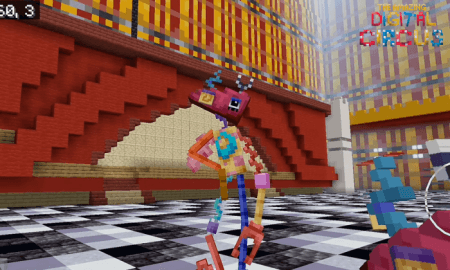
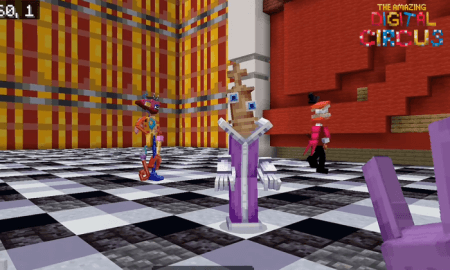
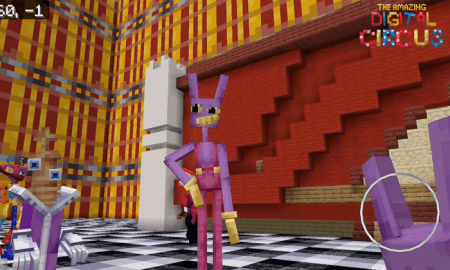
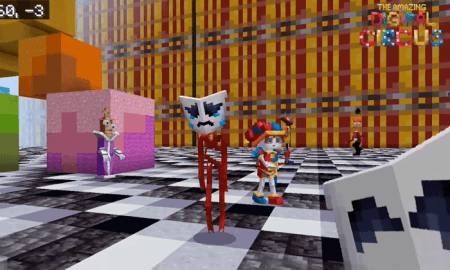
Dive into this virtual circus adventure and start unraveling the mysteries of this fascinating digital world today!