Addon: What's That?
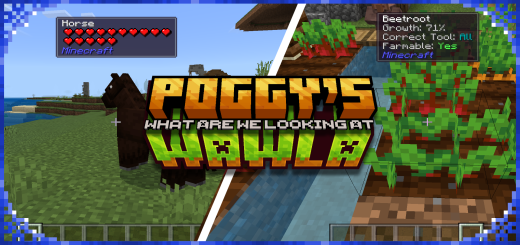
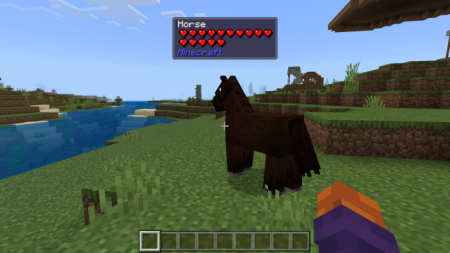
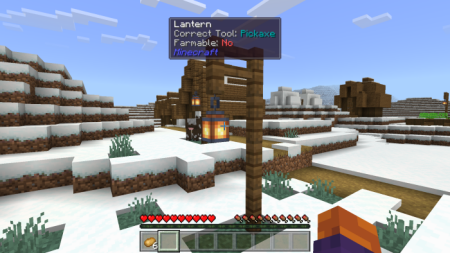
With What's That? Players no longer have to memorize block and enitity names, or switch back and forth between the game and a wiki to learn more. Instead, simply by hovering their mouse cursor over a block or entity in-game, they can see a detailed tooltip containing information such as its name, ID, Correct Tool, Health, and more
Created By XxPoggyisLitxX
This Add-On is especially useful for new players, or for players who want to quickly check information about a block or entity without leaving the game.
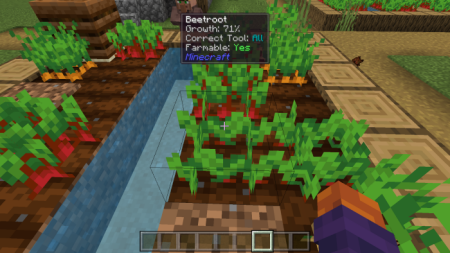
This Add-On can provide info about blocks and entities from other Add-Ons, and have the Add-ons' ID appear with no user configs. It also shows the growth of crops, redstone levels and more!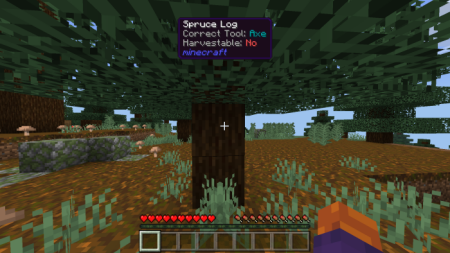
Installation: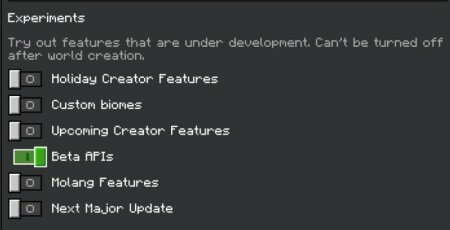
How to install the add-on
Download the .mcaddon or .mcpack file, open it with Minecraft and wait for the import to finish. Then enable the resource and behavior packs in the world settings. If the add-on requires experiments, turn them on before launching the world.