Map: Blocky War Robots
Author: DeathlyTroll
Robots and the hangar
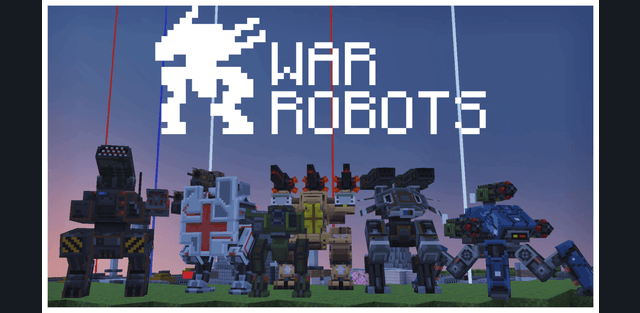
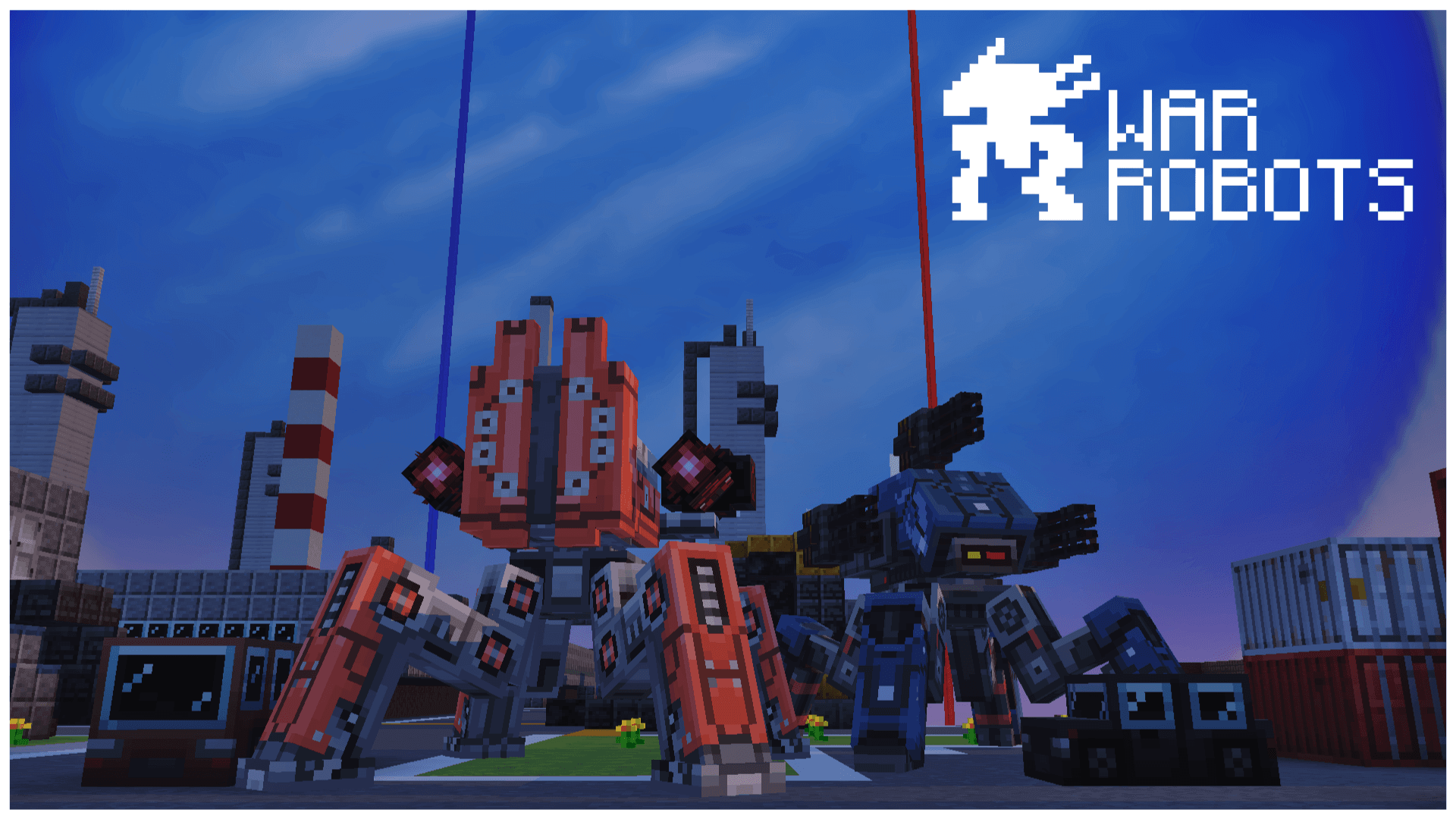
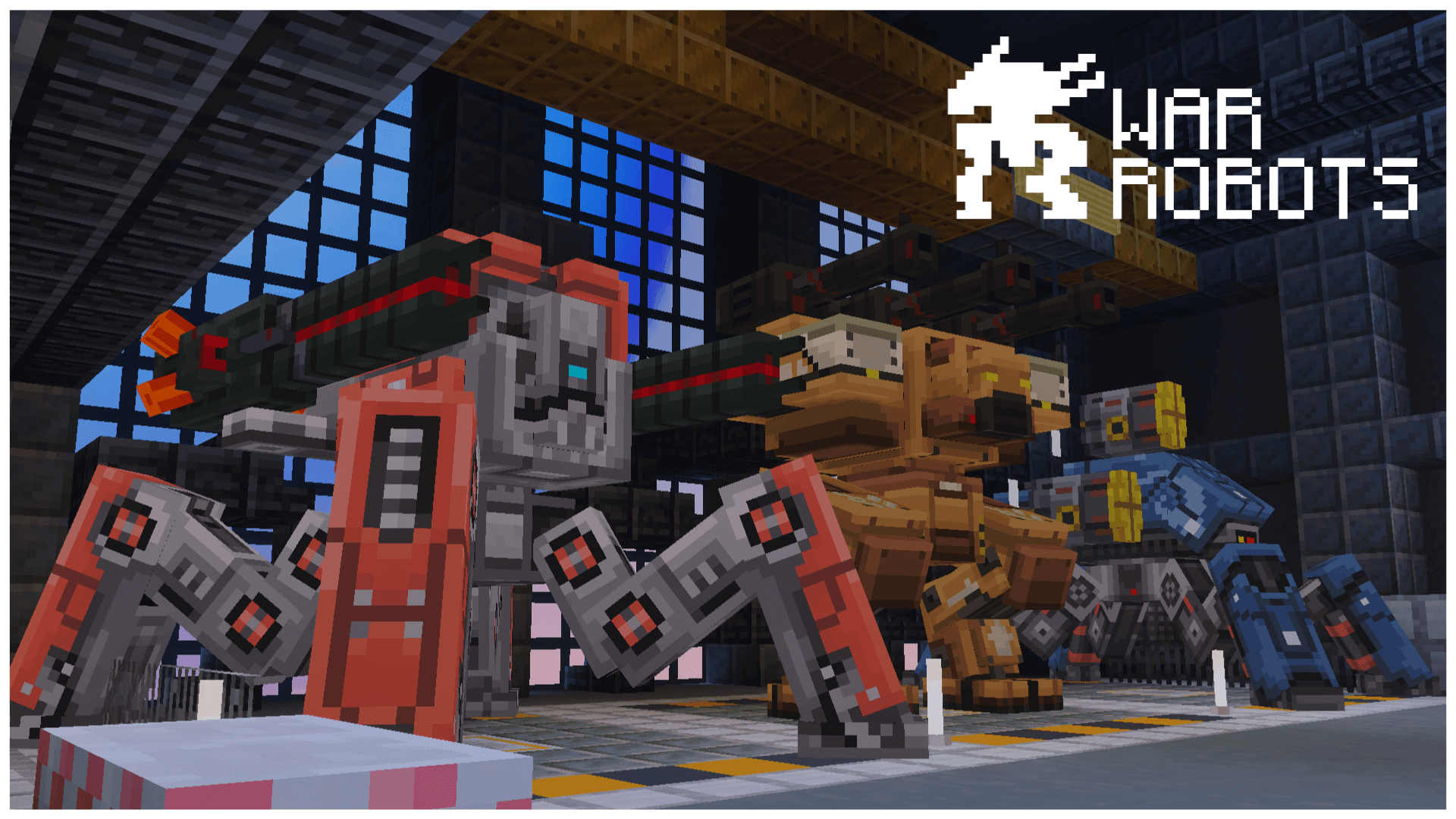
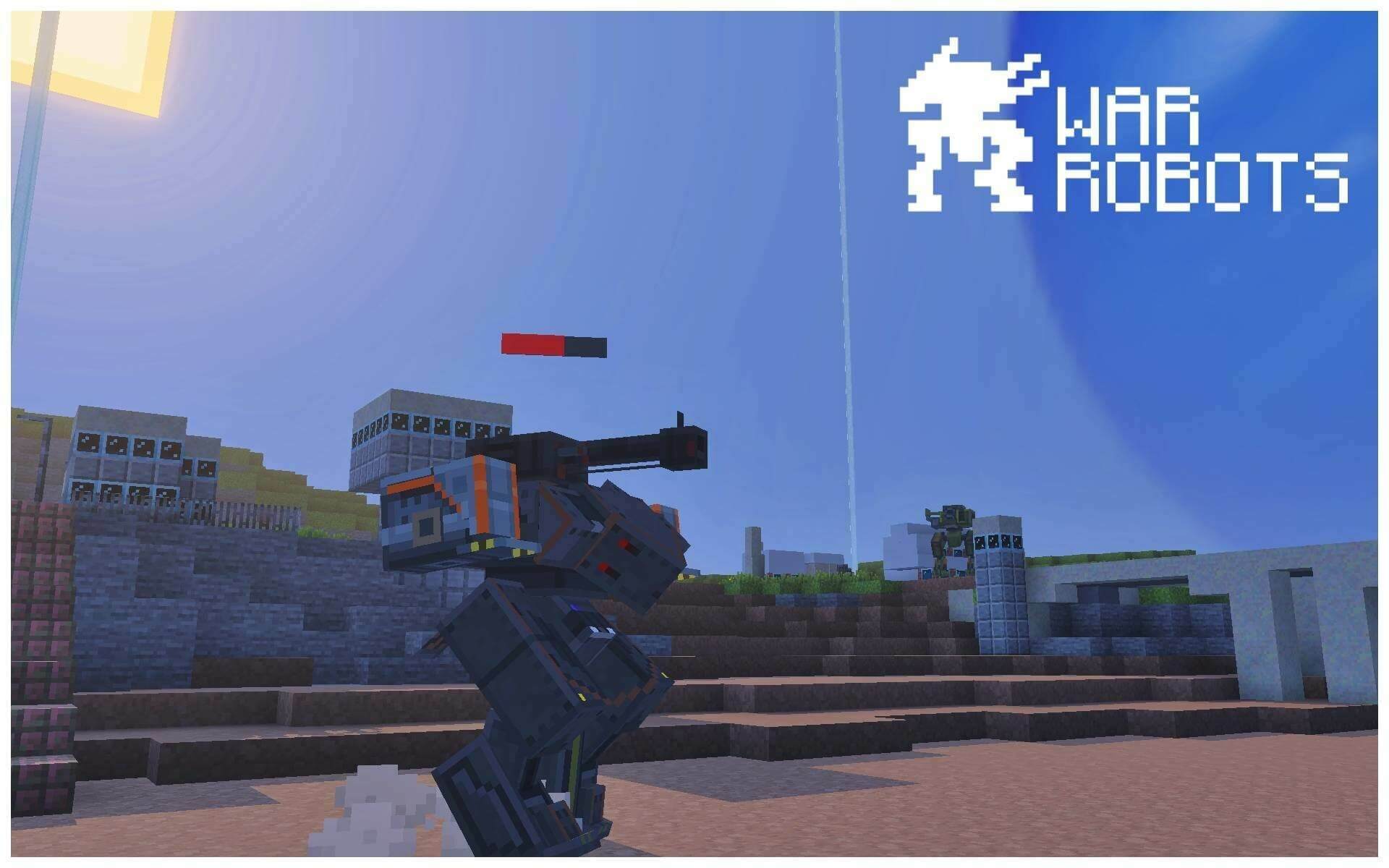
Choose from more than eight robots. Each has a limited number of light and heavy weapon slots, so a loadout must match the machine. Interact with a robot while holding a weapon to equip it; use an empty hand to remove its equipment.
Weapons and shields
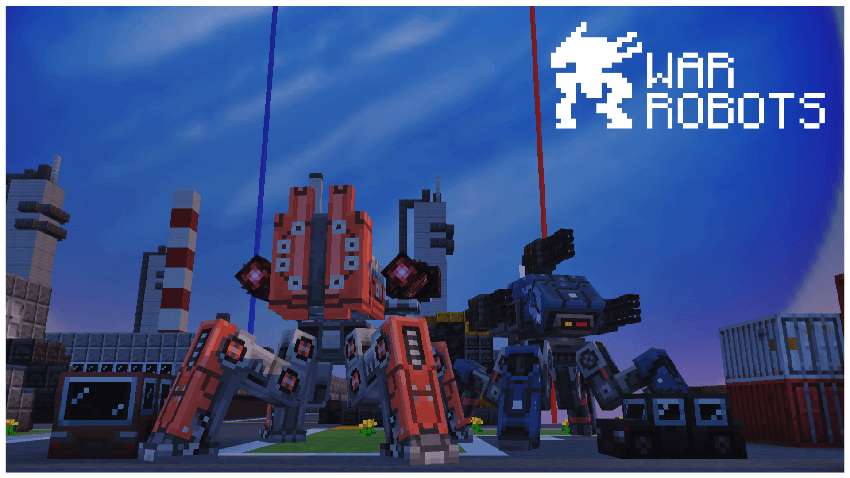
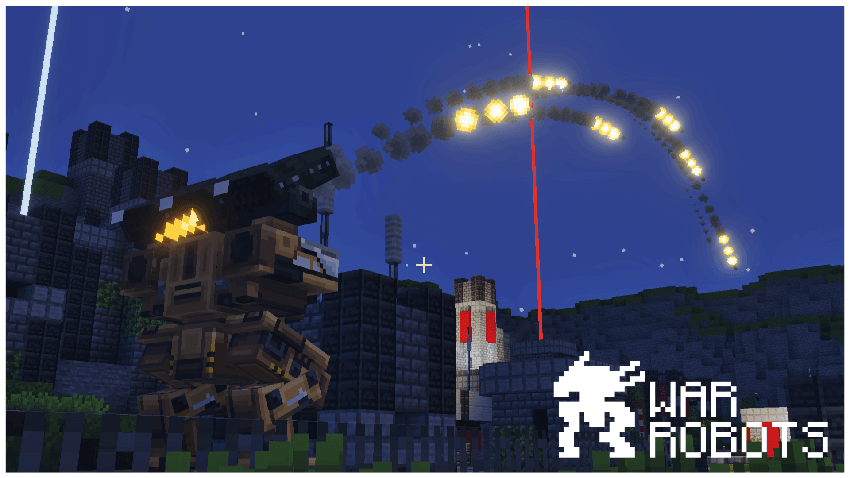
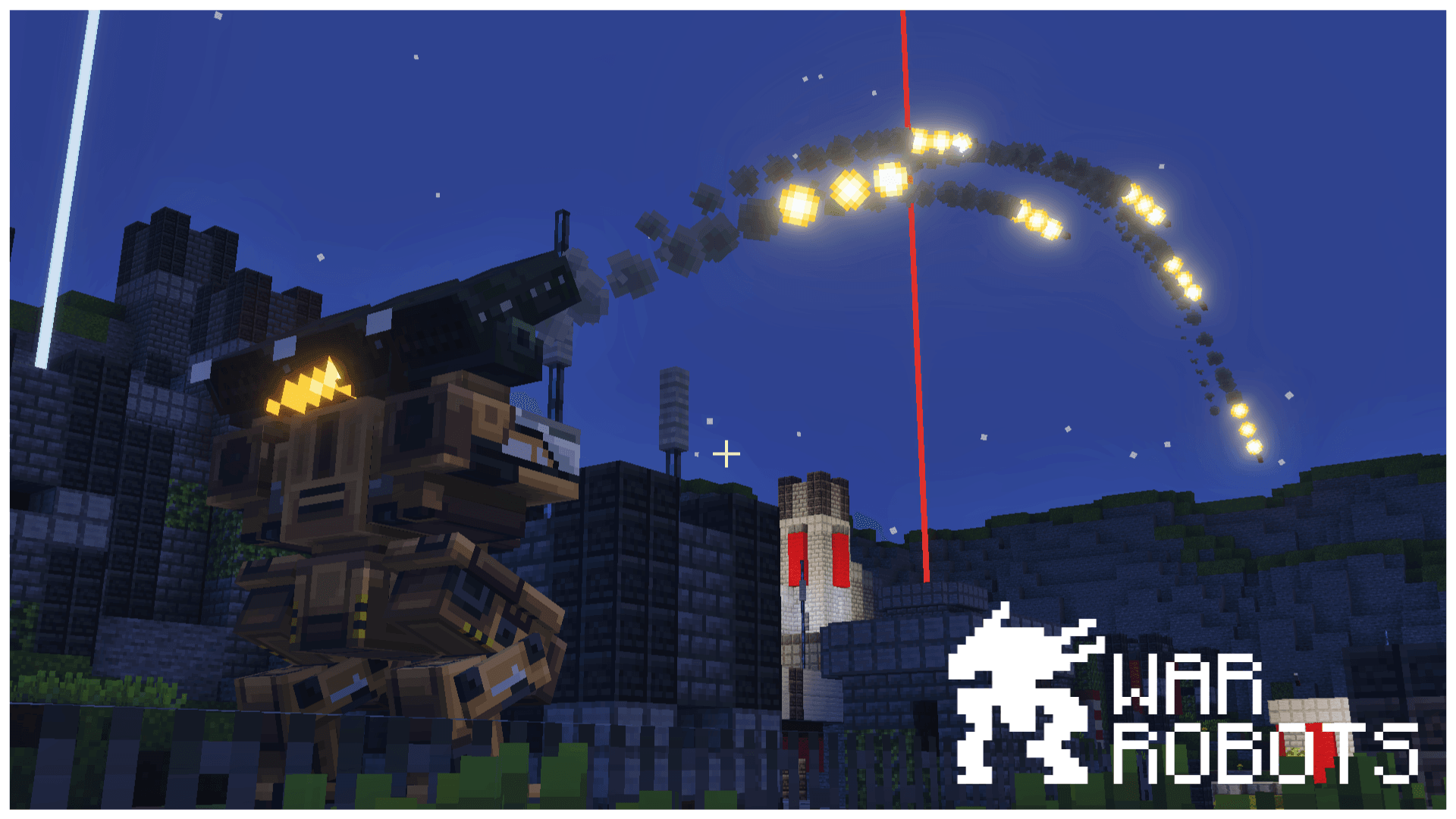
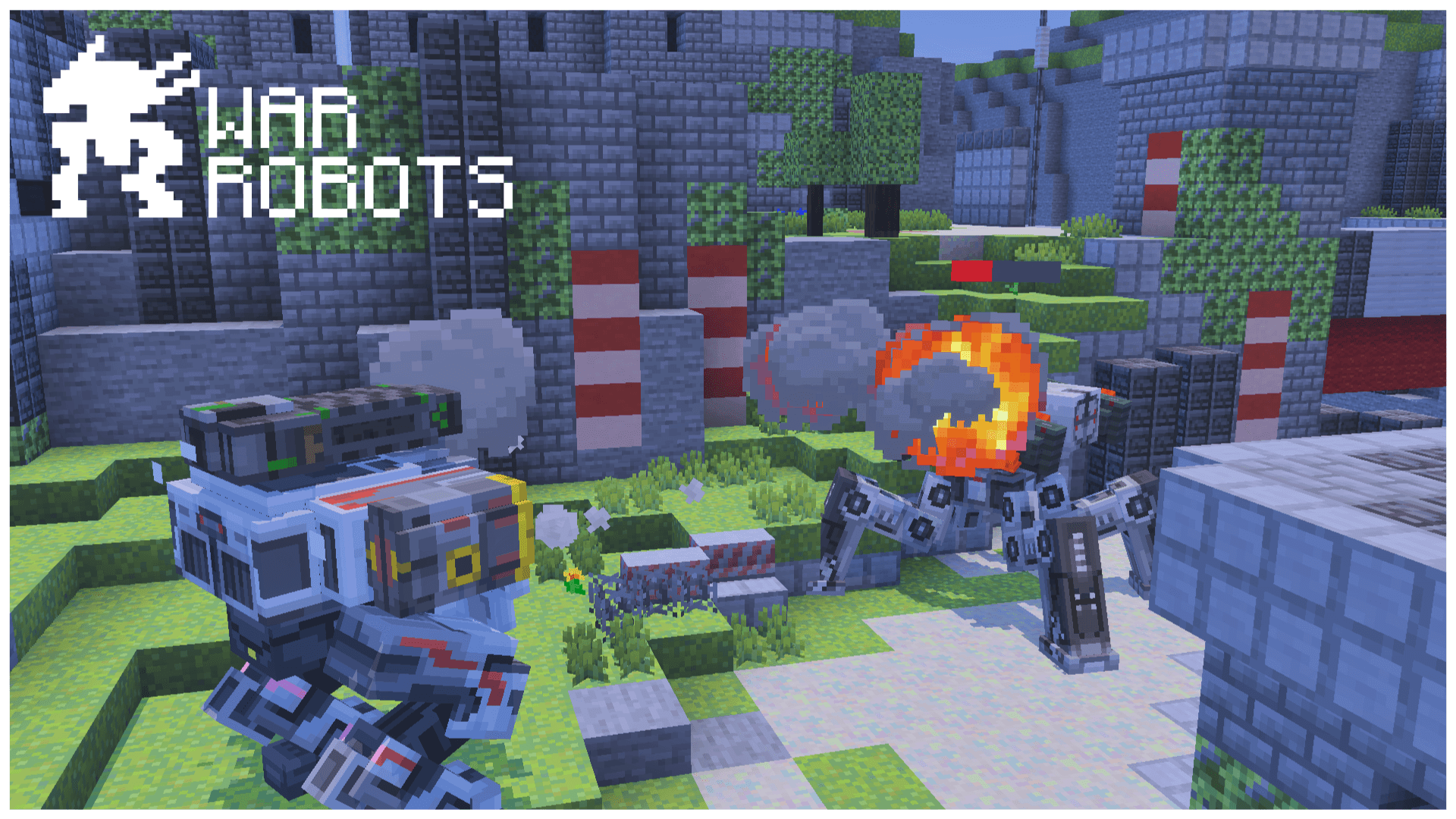
More than fifteen weapons include autocannons, rocket launchers, guided missiles, a shotgun, a railgun, plasma and Tesla weapons. Their range matters, with sniper weapons suited to the longest distances. Kinetic rounds are stopped by either shield type; missiles pass physical shields but are stopped by energy shields, while energy weapons do the opposite.
Winning a match
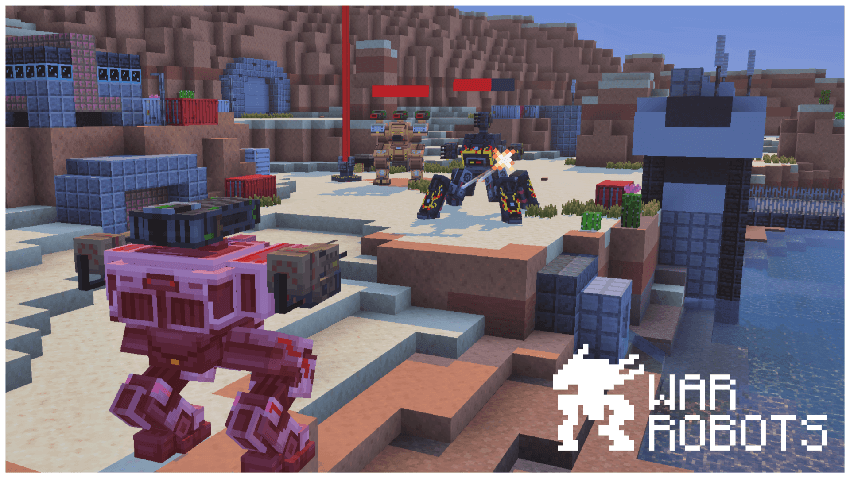
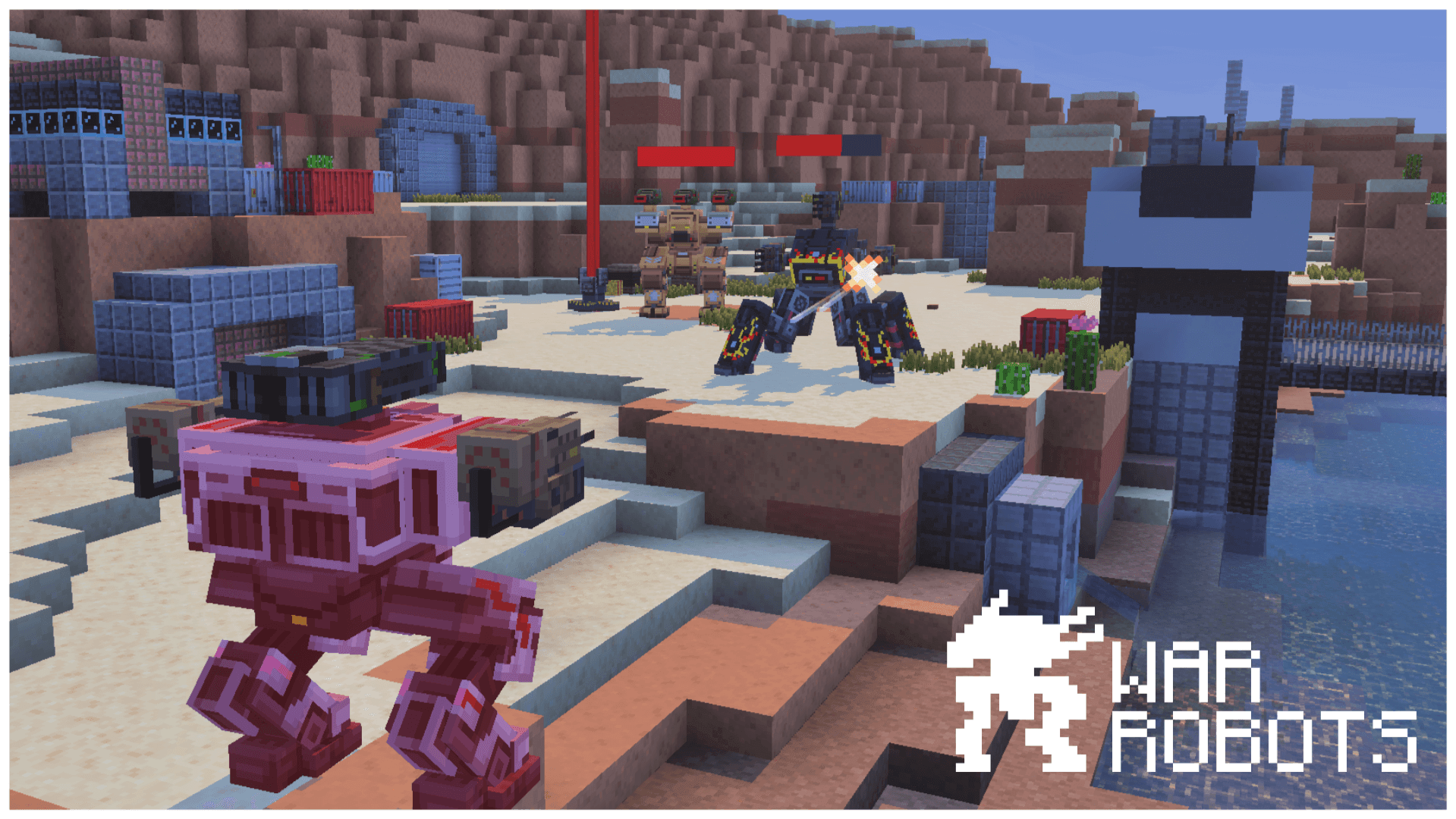
The basic battle places the player and three allied bots against four enemy bots. Eliminate the opposing robots or capture all beacons to win. Losing all available robots in your hangar or all your beacons ends the match in defeat. You can return to the battle while your hangar still has robots left.
Progression
Wins earn money for new robots and weapons, and the workshop provides another way to obtain currency. As experience and league level increase, the opposition becomes tougher, encouraging you to improve your hangar and rethink your equipment.
World setup
The map supports solo play and multiplayer PvE. A building template is included for creating an arena and adding it to the map selection. Import the .mcworld file and open the newly added world; the robot packs are already included. Keep the supplied command settings enabled. The world requires Minecraft 26.30 or newer.
Minecraft version required by the file: 26.30+
How to install the map
Download the .mcworld file, open it with Minecraft and wait for the import to finish. The map will then appear in your world list and be ready to play.