Shader: Newb Aero Enhanced
How to enable
The shader requires a compatible RenderDragon loader: MB Loader on Android, BetterRenderDragon on Windows, or a materialbin loader for mcpelauncher on Linux. iOS requires a compatible RenderDragon-enabled client.
Import the platform-specific .mcpack, enable it under Settings → Global Resources, and restart the game. Beautiful graphics, smooth lighting, clouds and 50–90% brightness are recommended.
Variant author: Goboyy22. Based on Newb Shader by devendrn.
Lighting and sky
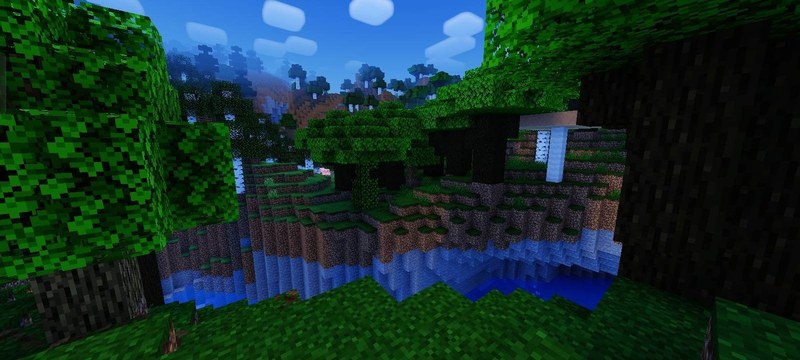
- cinematic sunlight and moonlight;
- soft deep shadows and warm torch lighting;
- smooth day and night transitions;
- bright daytime skies, sunrise, sunset, stars, a galaxy, shooting stars and a dim aurora.
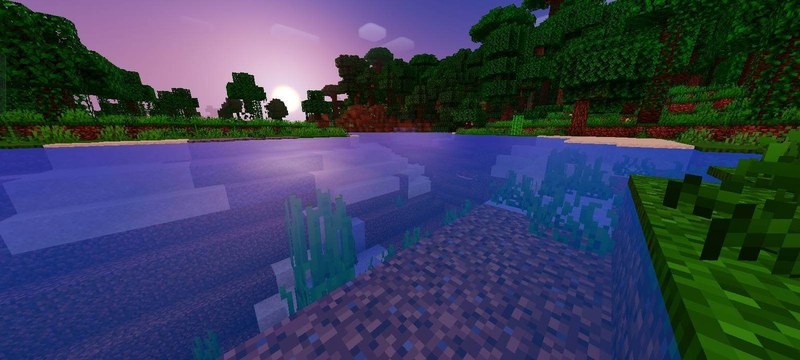
Water, weather and nature
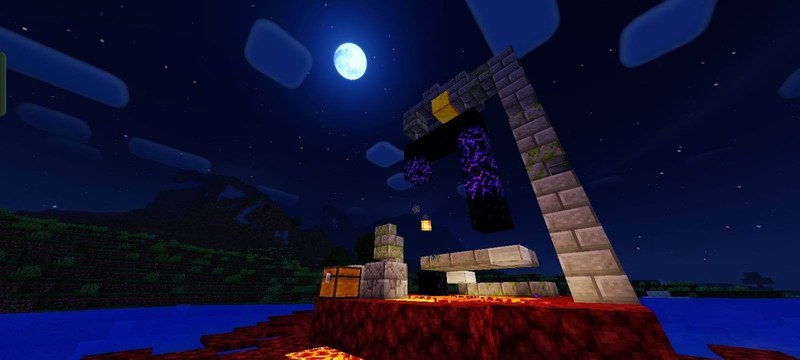
Water receives a clear aqua tone, gentle waves and improved underwater visibility. Rain creates ground reflections while lighting changes smoothly with the weather.
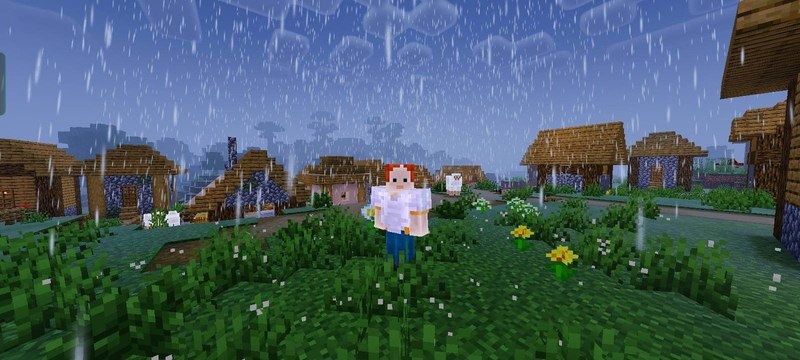
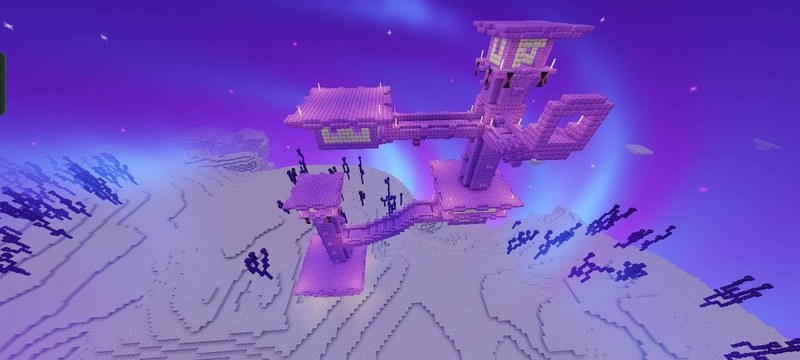
Grass, leaves, crops and lanterns are animated. Glowing ores, enchanted item glint, fog, contrast and the End atmosphere are improved.
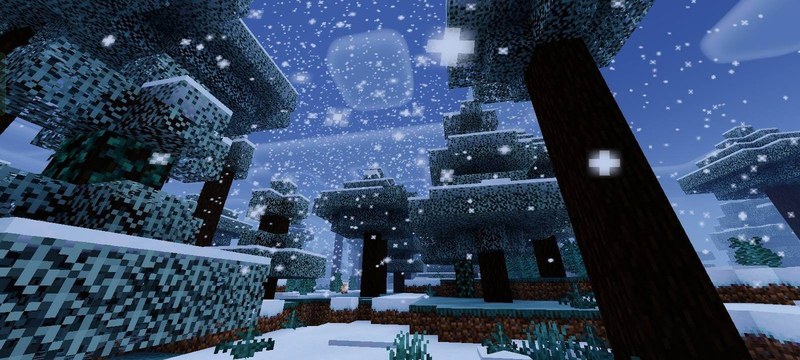
Performance
The pack is optimized for low-end and mid-range devices. Rounded Clouds, No Fog, No Wave and No Wave No Fog subpacks can alter clouds or disable heavier effects.
Compatibility and installation
- Minecraft versions: before downloading, compare your game build with the supported versions: 1.21.80.
- Installation: open the downloaded file in Minecraft Bedrock/PE and enable the pack in world settings. If experiments are required, turn them on before launching the world.
For a complete world setup, browse more Minecraft Bedrock mods, maps, textures and shaders.