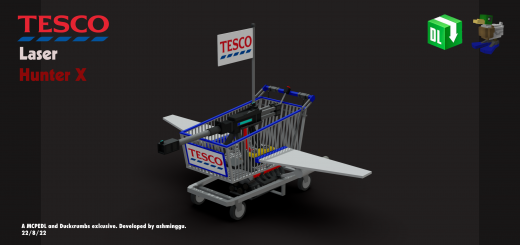
Addon adds 4 different trolleys and 1 bomb (an Intercontinental Ballistic Missile, ICBM). Efficient, powerful and gets the job done - the perfect weapon and vehicle to eliminate all your local Tesco foes as well as protect you from unwanted threats.
Types of trolleys:
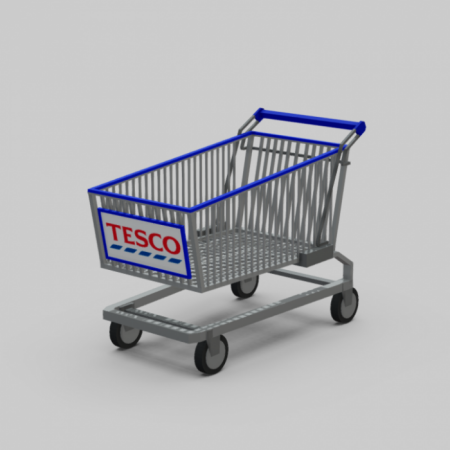
Your typical Tesco Trolley
- Just your typical Tesco trolley you'd find at your local Tesco.
- Has the same speed as the "player walking" speed
- Suitable if you have shopping malls in your worlds!
![]()
Tesco Trolley Aircraft X
- Just your typical Tesco trolley, but can fly!
- Cannot shoot lasers or drop ICBMs
![]()
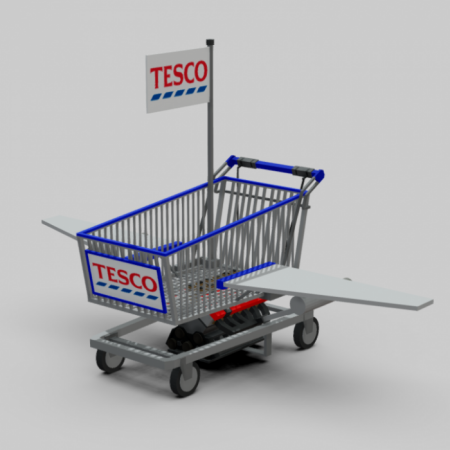
Tesco Trolley ICBM Bomber X
- Just your typical Tesco trolley, but can fly and can drop bombs
- Right click / hold to drop a bomb!
![]()

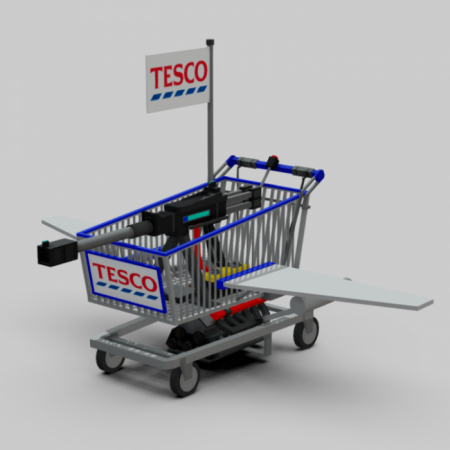
Tesco Trolley Laser Hunter X
- Just your typical Tesco Trolley, but can fly and shoot lasers!
- Also has a laser sniper sound effect when you shoot it!
- Right click / hold to shoot!
![]()
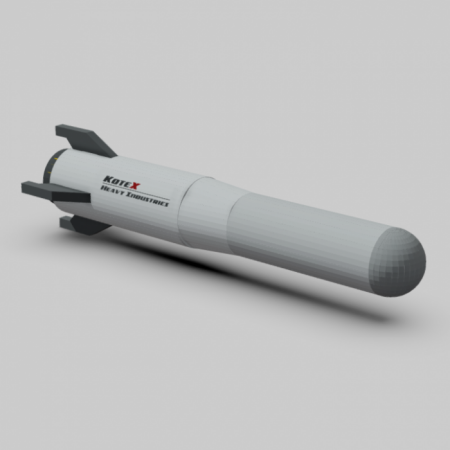
KX-SS69-ICBM (Bomb/ICBM)
- When you right click / hold the ICBM Bomber while riding it, it will eject an ICBM (this missile).
- THIS BOMB IS VERY POWERFUL.
![]()
Example of someone flying the trolley.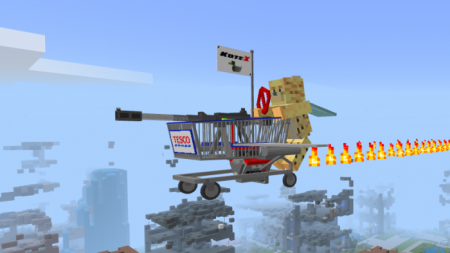
Example of someone dropping an ICBM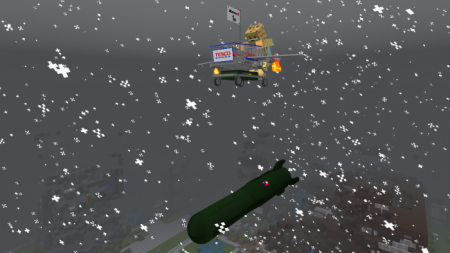
How to control / fly / shoot the trolley
- To control a trolley, right click/hold the trolley as if you were to ride a mob!
- To fly a trolley, you need to control the trolley first. Then, look up to fly and look down to descend!
- To shoot/eject using the trolley, you need to control the trolley first. Then right click/hold to shoot a laser or drop an ICBM bomb.
How to obtain
- Method 1: Get their spawn eggs from the Creative Inventory. They are classified as spawn eggs. You can search "Trolley" to find them easily.
- Method 2: Use /summon commands:
/summon tesco:trolley
/summon tesco:trolley_fly
/summon tesco:trolley_fly_war
/summon tesco:trolley_fly_bomber