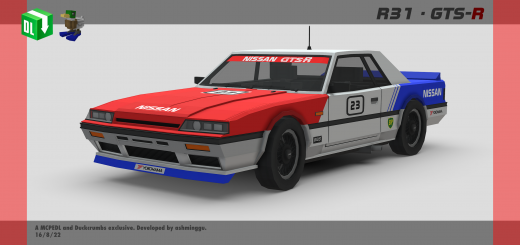
Has high speed, 2 seats, advanced animations and advanced sounds. Has 2 variants, consisting of 5 color options, 1 livery.
Functions:
- Openable/closeable doors – Refer instructions below
- Acceleration – Car speed increases over time
- Immersive sound effects – Refer list below
- Dynamic hitboxes – Deals damage to entities that are ran over at a certain speed. Now also deals damage to other players!
- Car explosion – Car explodes when destroyed
- Advanced animations – Working gauges, wheels and steering wheel
- Realistic car movements - Car tilts upwards/downwards when moving upwards/downwards.
Stock
White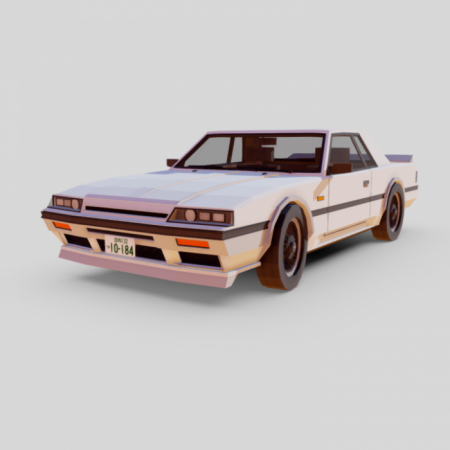
Black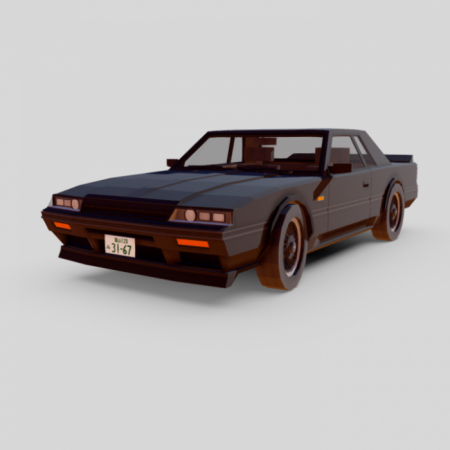
Red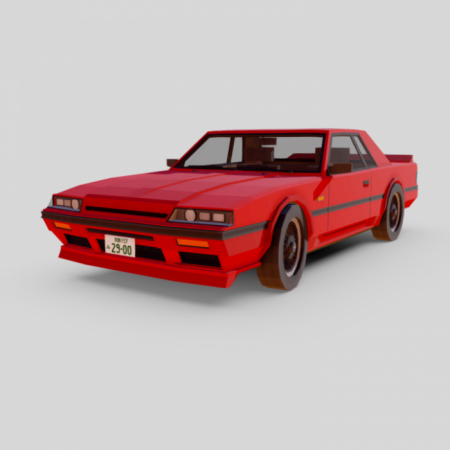
Blue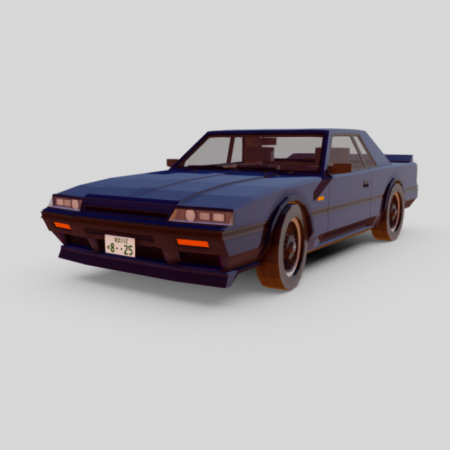
Beige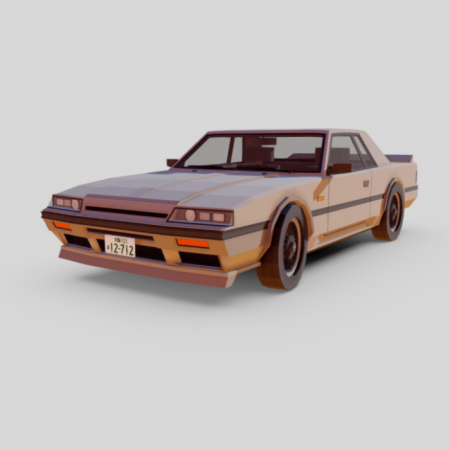
Group A Touring Car
Based of the the HR31 used throughout the 1988 Group A championship.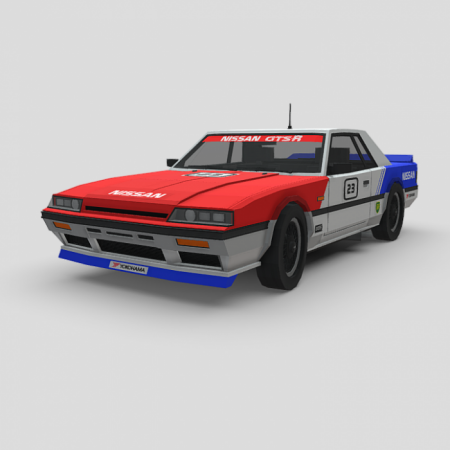
Rear profile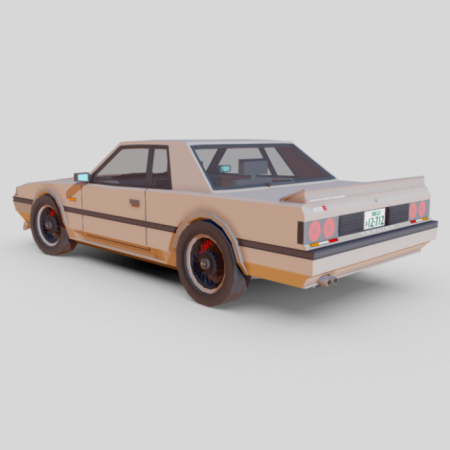
Interior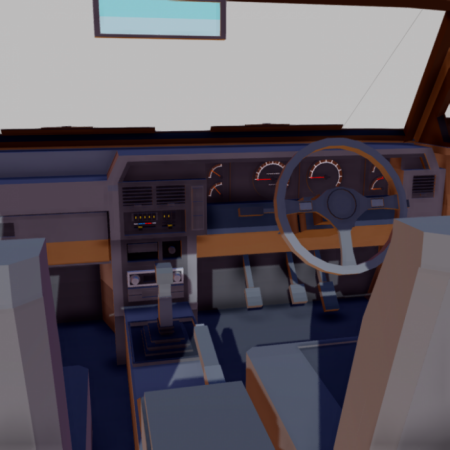
How to open the doors
- To OPEN the doors, right click the car and the doors will open. Right click again to get in.
- To CLOSE the doors, right click WHILE shifting/crouching.
Advanced sounds
- Startup sound effect - When the player sits in the car
- Advanced driving sound effect - When the player drives the car
- Custom car damage sound - When the car is damaged / takes a hit
- Door closing sound effect - When the player closes the door
- Door opening sound effect - When the player opens the door
How to obtain
Method 1: Get their spawn eggs from the Creative Inventory. You can search "Skyline" or “R31” without the " for a more convenient way of getting them.
Method 2: Use /summon commands.
Confused about the download links?
- Win10 = High speed version, suitable for race track maps.
- Mobile = Lowered speed version, suitable for small city maps.
- Classic = Has the same top speed as the Win10 version but WITHOUT MOST OF THE 7 FUNCTIONS . Less features but the most optimized version out of the 3.