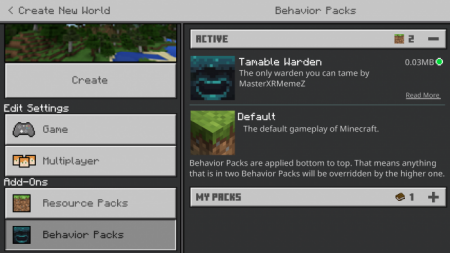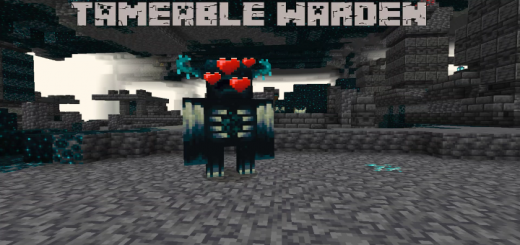
Have you ever wanted to keep the warden as a pet? Well now you can! By downloading this add-on, the warden will now be tameable! This tameable warden functions like any other pet that you can tame in minecraft.
How to tame the warden?
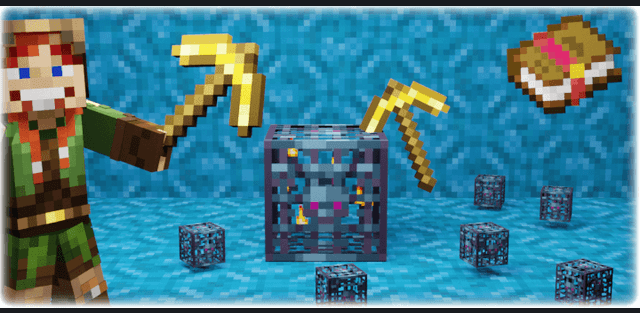
- You will need an echo shard to tame it!
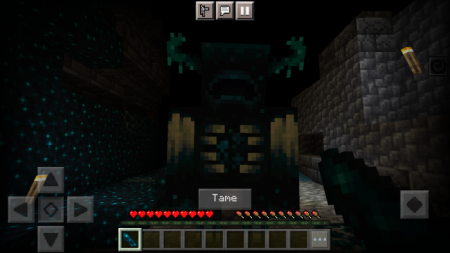
Add-on features:
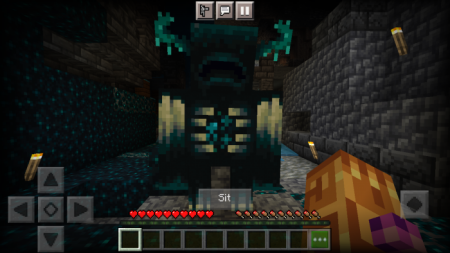
- You can make the warden sit and stand after it has been tamed
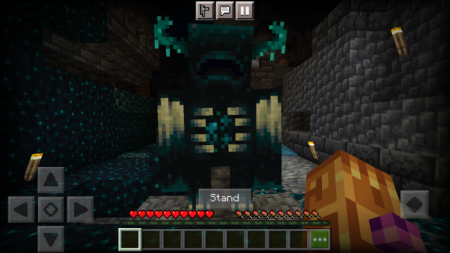
- You can also heal the warden using soul sand (only works after it has been tamed)
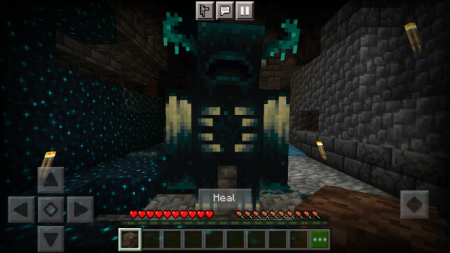
What happens after the warden has been tamed?
- The warden will follow you like every other pet does
- The warden will not detect vibrations from any mob (still detects vibrations from withers, zoglins, and iron golems)
- The warden attacks any mob that attacks the owner (same function as the wolf)
- The warden will not be attackable by its owner (same function as the allay)The warden can follow its owner through the nether (same function as the allay)
- The warden will get a health and attack boost (same function as the wolf)
- The warden can sit and be healed by its owner (same function as the wolf and cat)
- The warden will protect it's owner if the owner is sleeping (only if the warden isn't sitting)
- The warden doesn't despawn
What's New?
- The Wardens melee attack damage has been reduced to 40 instead of 50 (when tamed)
- The Wardens health has been reduced from 700 to 600 (when tamed)
- The Warden now looks at the player when the player holds soul sand (when tamed)
- The warden now has a knockback resistance of 2 instead of 1 (when tamed)
- The Warden no longer looks at the player when holding an echo shard after it has been tamed
- The Warden no longer gives the darkness effect to other players after it has been tamed
- The Warden now follows the player through the nether after it has been tamed