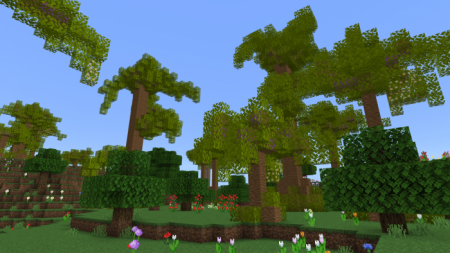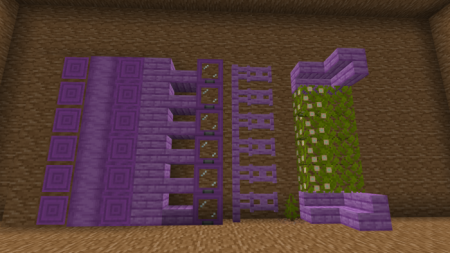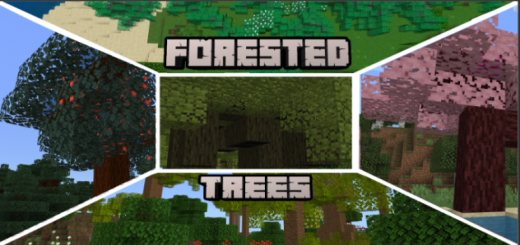
Bored of Oak, Birch, or Spruce? Well, Fear not! This Addon adds 5 new Wood Types spawning around the World!
Everywood type has the following:
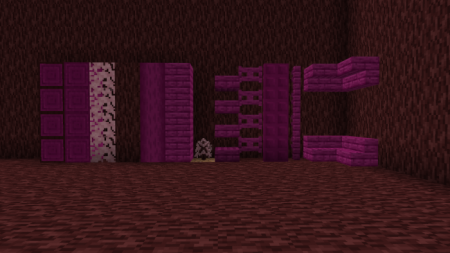
- Slabs
- Stairs
- Trapdoors
- All Wood Recipes
- 3 Different Trees
- Saplings
- Leaves which decay like normal leaves
- Logs/Stripped Logs (Also Wood)
- Fence and Fence gate
- Cherry and Ebony have a new Fruit with them!
Cherry
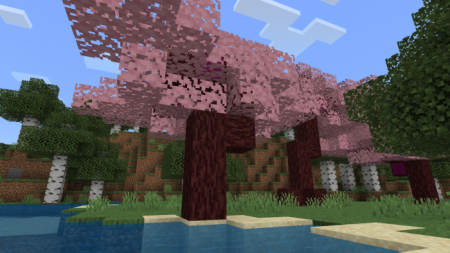
- Cherry Wood is found in Birch Forests, it's pretty common and isn't that tall!
- It's Pink-Purplish and also highly flammable, wouldn't recommend for the it Nether!
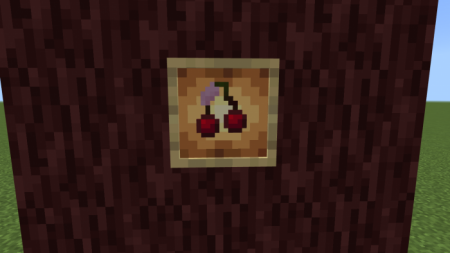
- The Cherry Leaves will decay and they drop Cherries instead of Apples
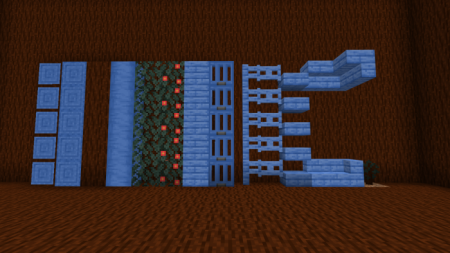
Blue Mahoe
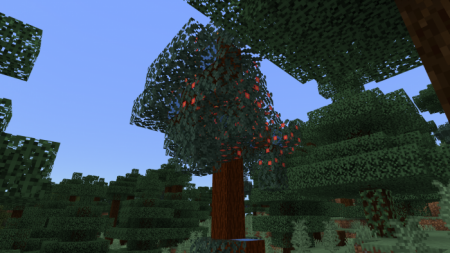
- Blue Mahoe Wood spawns in Taiga forests and isn't that Tall.
- It drops Apples like normal trees and the color of the Wood is Well Blue!
Ebony
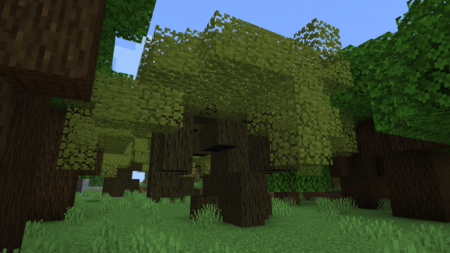
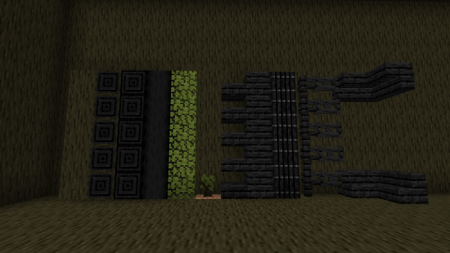
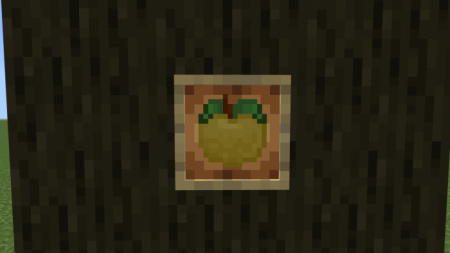
- Ebony is found in Dark Oak Forests and is pretty thick. It's Dark and drops a new type of fruit! Ebony Persimmon will give regeneration once consumed!
- keep in mind it needs a 2x2 sapling area to grow! Similar to dark oak!
- Ebony is a little fire resistaned and explosion resistaned!
Greenheart
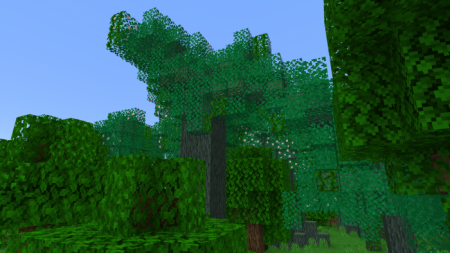
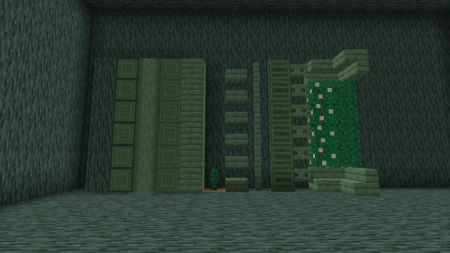
- Greenheart is found in Jungle and is Green!
- It's just a bit fire and Explosion resistaned
- It has a thick and thin Variant, keep in mind it needs a 2x2 sapling area to grow! Similar to dark oak!
Peltogyne
- Peltogyne will only spawn in flower Forests and Meadows!
- It's really tall and the color is purple. Peltogyne is highly explosion and Fire resistaned
- The saplings also need a 2x2 like Dark oak to grow!