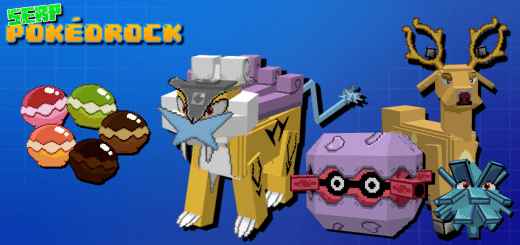
This is the Second generation of Pokédrock! This addon works as a complement for the first generation (SERP Pokédrock 1) and (third generation 3) ! although it is also designed to work on its own!
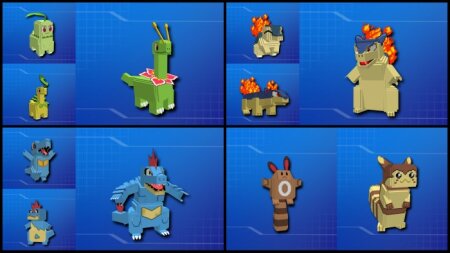
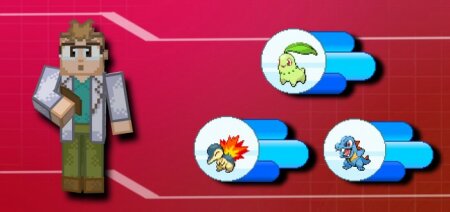
- Chikorita location: Birch forest & Flower forest
- Cyndaquil location: Desert
- Totodile location: River
- Sentret location: Everywhere
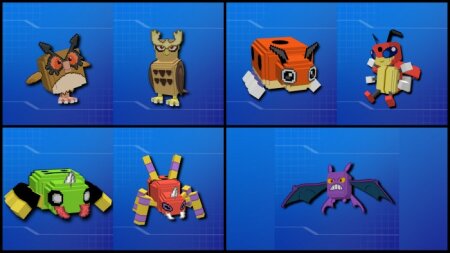
- Hoothoot location: Any kind of Forests
- Ledyba location: Flower Forest
- Spinarak location: Any forest (at night)
- Obtain Crobat: Evolve Golbat with Pichu plush
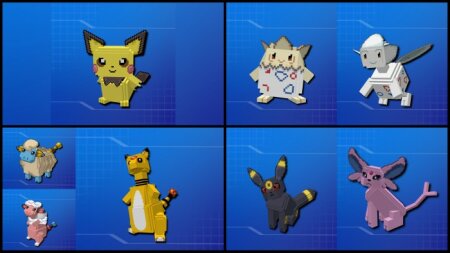
- Obtain Pichu: Hatch egg
- Obtain Togepi: Hatch egg
- Mareep location: Plains & Taiga
- Obtain Espeon: Evolve Eevee with Pichu plush at day
- Obtain Umbreon: Evolve Eevee with Pichu plush at night
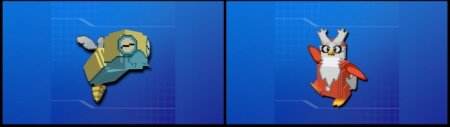
- Dunsparce location: Forest hills and Caves
- Delibird location: Tundra and frozen ocean
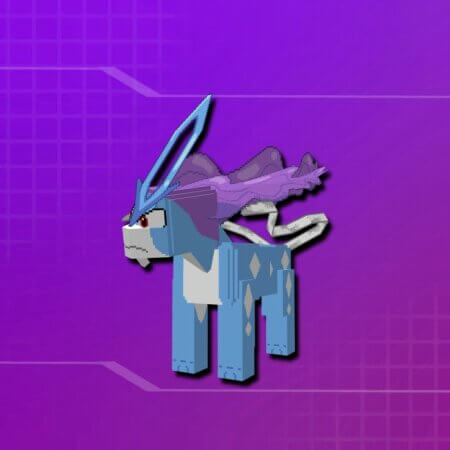
- Suicune location: Suicune Missions coming soon
To play properly follow these steps:
- use the "second generation" item to get Professor Elm's spawn egg
- put the Professor near you, preferably away from the spearow
- Read the introduction, it is quite useful!
-
choose your favorite starter, along with the starter you will be given a starter kit that will be very useful for newbies!
- finish the introduction and start playing
- You need to activate the experimental toggles: vanilla experiments, hollyday creator features, custom biomes and custom creator features.
- For the mod to work correctly, you must download both the base and the mod Pokédrock 2 (Pokemon part 2)!