Addon: Connected Glass
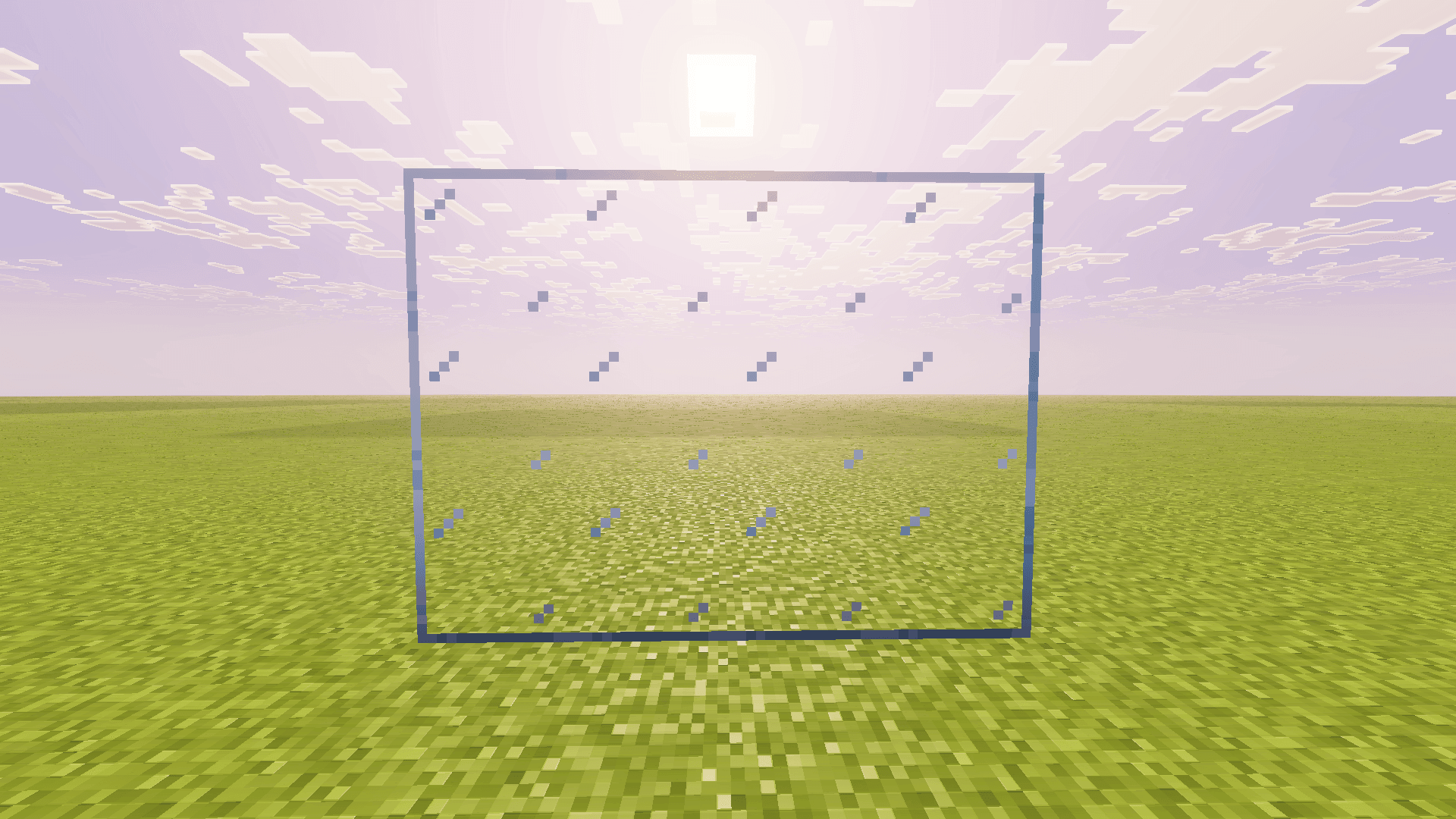
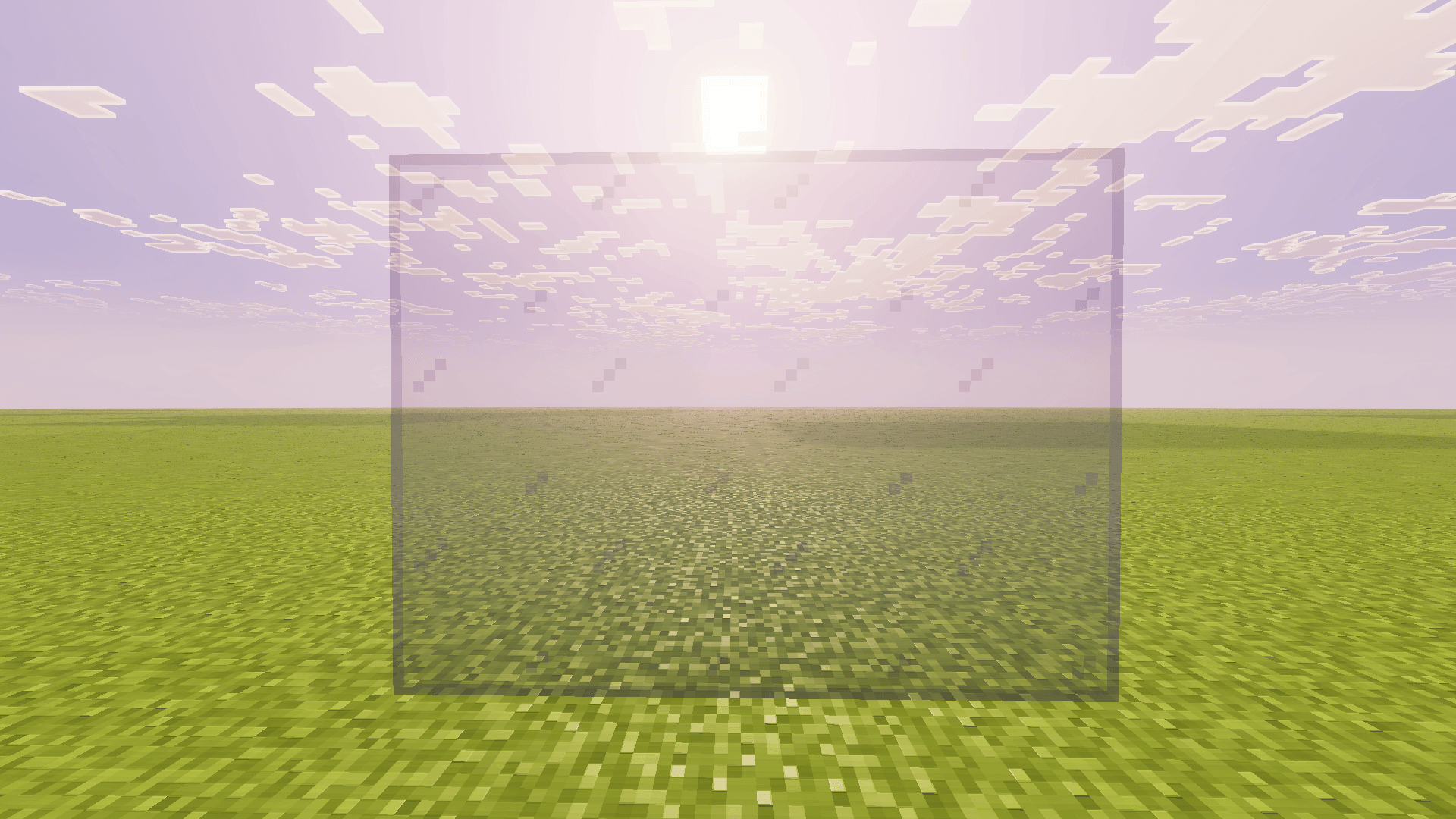
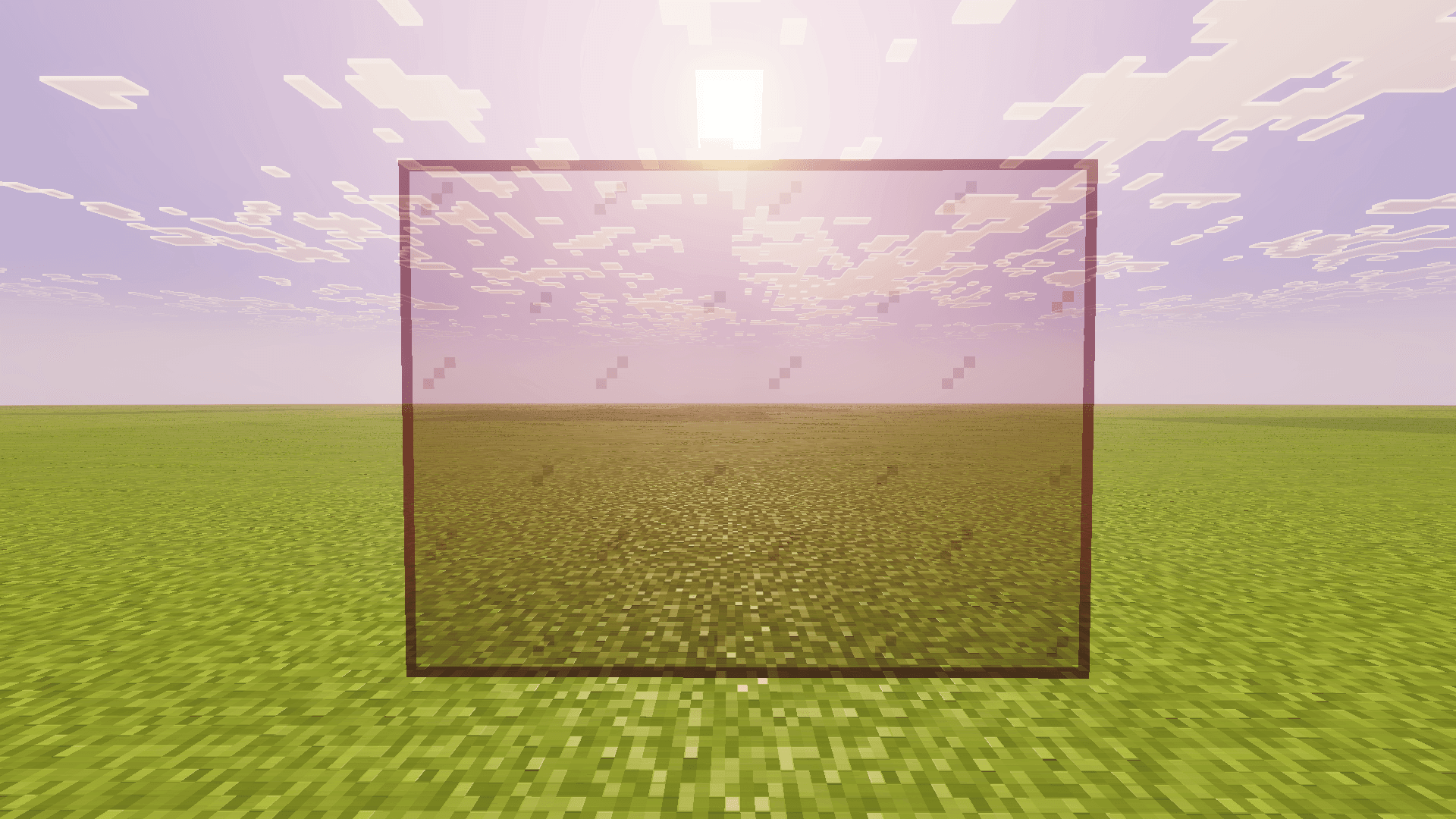
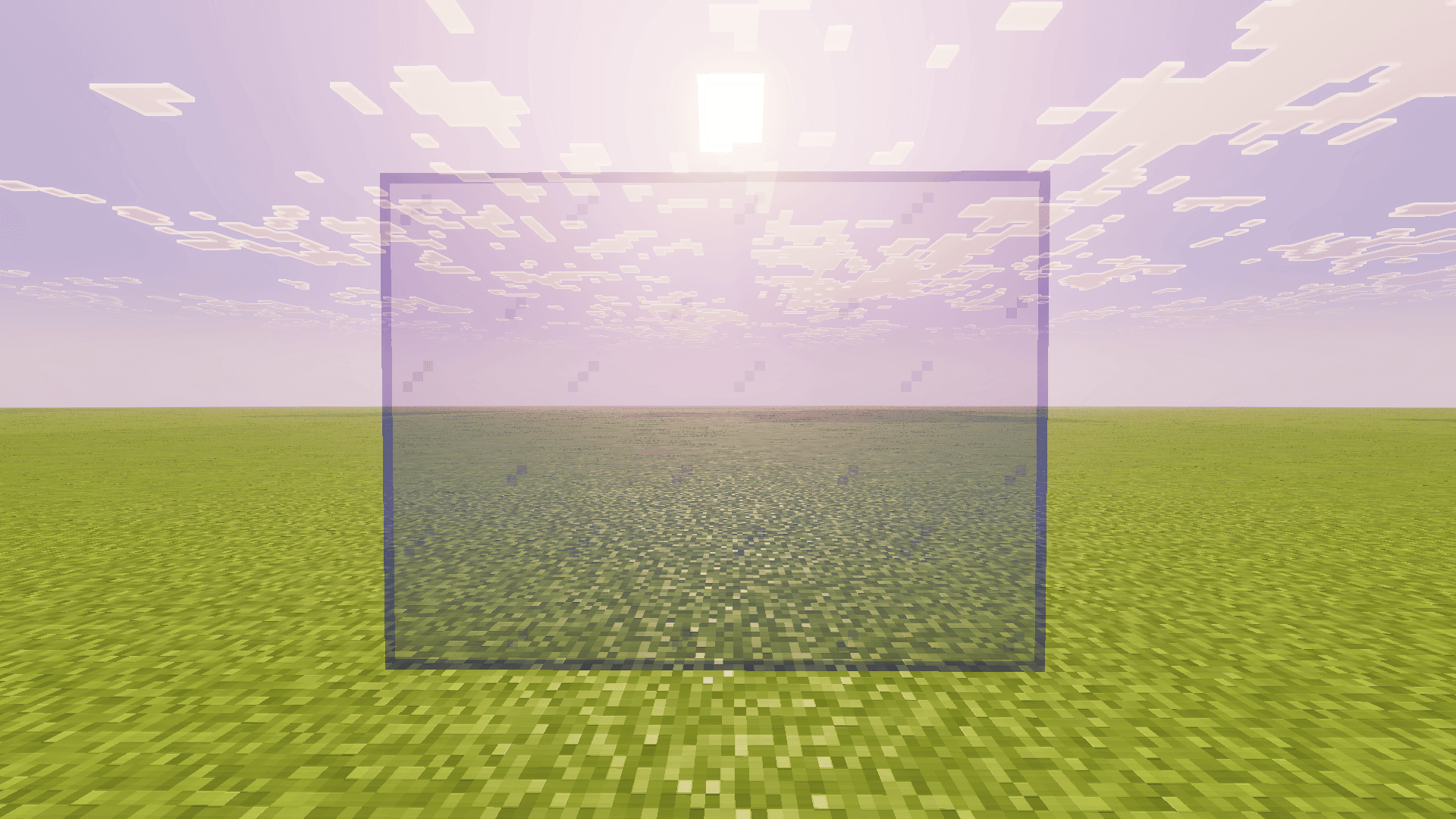
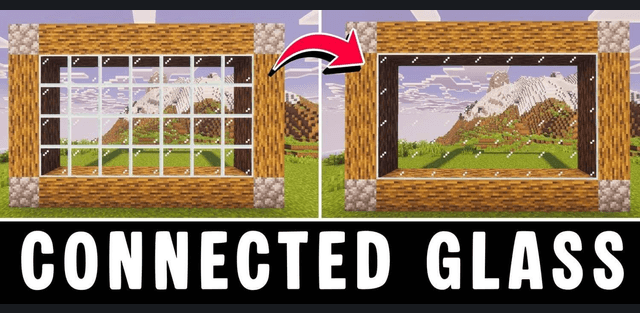
Connected Glass removes the internal grid that normally appears when several glass blocks are placed together. Large windows, glass walls, roofs, aquariums, and skylights become a single clear surface while retaining the familiar colors and transparency of Minecraft glass.

Author: voxenMC2
Automatic Connections

No separate crafting recipe is required. When ordinary glass is placed, the addon automatically uses the matching connected version and adjusts its borders according to neighboring pieces. Connections work horizontally and vertically, so flat windows and three-dimensional glass structures can be built in the same way.

Supported Glass Types
The system covers normal glass blocks, tinted glass, all stained-glass colors, normal panes, and colored panes. Clear, white, gray, black, brown, red, orange, yellow, lime, green, cyan, light blue, blue, purple, magenta, and pink variants retain their own tint while hiding unnecessary lines between adjacent pieces.

Existing Worlds

Glass placed before the addon was enabled is not converted automatically. Break and place those blocks again to update an existing build. Newly placed glass connects immediately, so only old sections need to be rebuilt.
Building Uses

The cleaner surfaces are most noticeable in panoramic windows and large roofs, where the vanilla grid can obstruct the view. Colored combinations also work well for modern buildings, greenhouses, underwater bases, stained-glass decorations, and illuminated walls.

Survival and Crafting
The player continues to place familiar glass items rather than learning a second set of recipes. The current build also handles glass panes and keeps ordinary glass available when crafting interfaces need the vanilla item, reducing conflicts with recipes that use glass.

Achievements in Version 26.50

The project was originally designed to preserve achievements. The author warns that Minecraft Bedrock 26.50 currently marks addon worlds as achievement-disabled because of a game-side issue. This is not an extra option that the player can correct inside the pack.
Latest Fixes

The latest release fixes a script error that could occur when using an item while looking at the sky or empty space. It also prevents glass panes from causing a crash near unloaded chunks and updates compatibility for the current game version.
Download
How to install the add-on
Download the .mcaddon or .mcpack file, open it with Minecraft and wait for the import to finish. Then enable the resource and behavior packs in the world settings. If the add-on requires experiments, turn them on before launching the world.