Addon: Pick Up and Carry
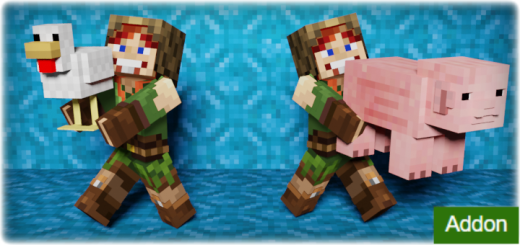
Ever wanted to pick up a mob or player and move it to another location? With this add-on you can do it without any commands, right in survival! This addon allows you to pick up any mobs or players and carry them anywhere without any commands.
Created By sirob
You can pick up a mob or player only if you are standing on the ground. Also, you should not have items in both hands. And you shouldn't be in the water. Only in this case you can pick up a mob / player.
When you carry a mob / player, you have to move neatly. If the mob is submerged in water, it will fall out of your hands. If you start falling from a height, then after flying 3 blocks, it will fall out of your hands. If you take any item in your hand, the mob will also fall out of your hands.
How to use:
To pick up a mob or player, go to him as close as possible, look at him and sneak. Then jump.
To release a mob or player, sneak, then jump.
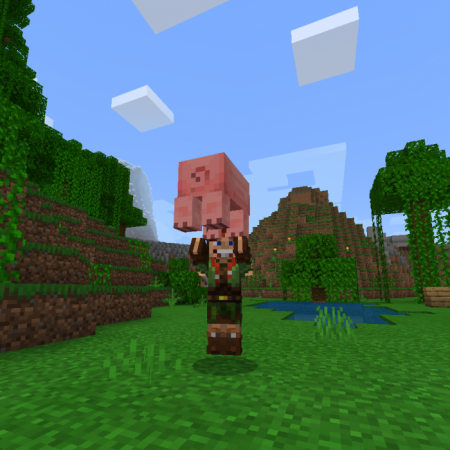
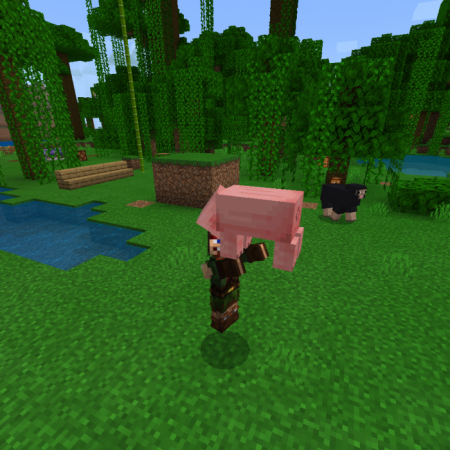
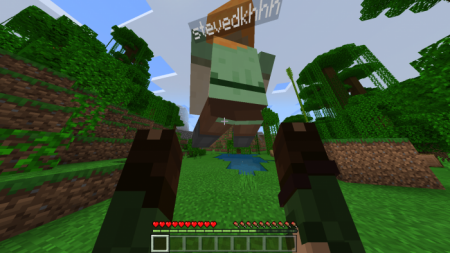
The view from the 1st person is excellent:
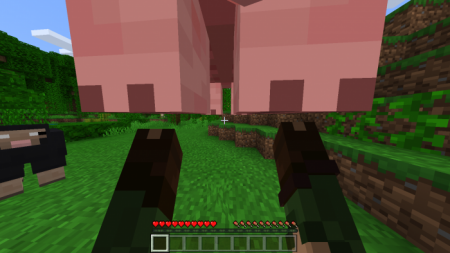

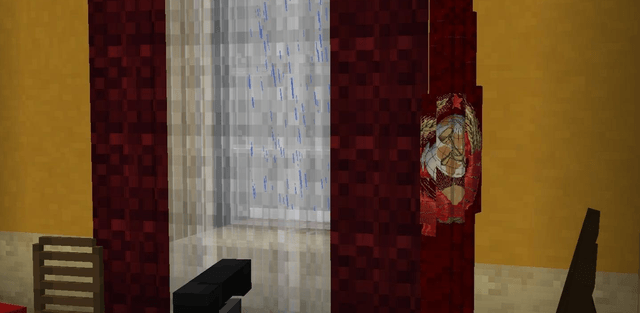
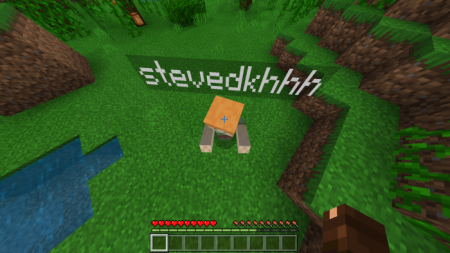
 What the one who is being carried sees:
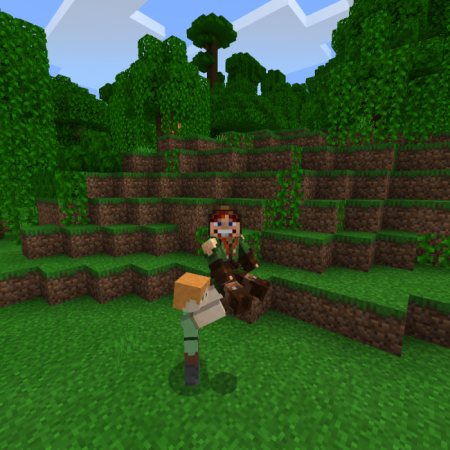
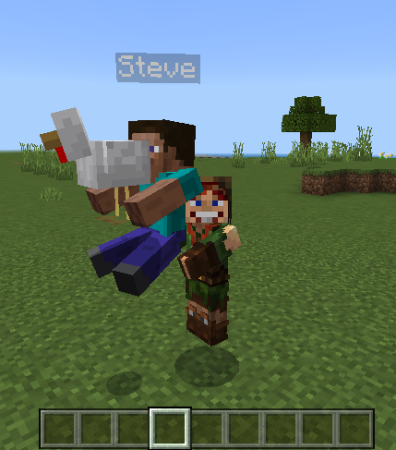 Now you can get the mobs out of the boat
- This addon uses player.json and is not compatible with other addons that also use it
- Enable these experiments: "Beta APIs"
Changelog:
- Now it supports 1.21.60!
- Now it supports characters from Character Creator! You can use your character created in the Character Creator! Even animated items and capes are supported!
- Fixed broken vanilla animation of holding heavy core!
How to install the add-on
Download the .mcaddon or .mcpack file, open it with Minecraft and wait for the import to finish. Then enable the resource and behavior packs in the world settings. If the add-on requires experiments, turn them on before launching the world.
![Addon: [RED] SecurityCraft](/uploads/posts/2026-07/red-securitycraft-20260724-cover.png)