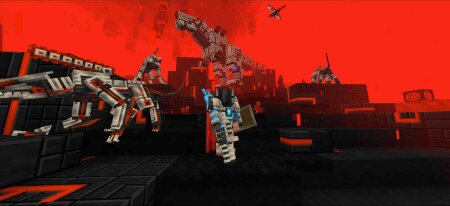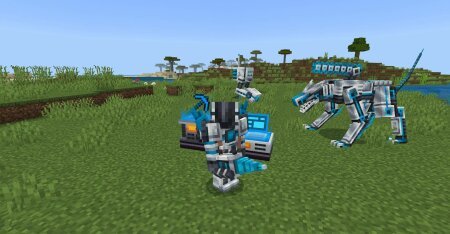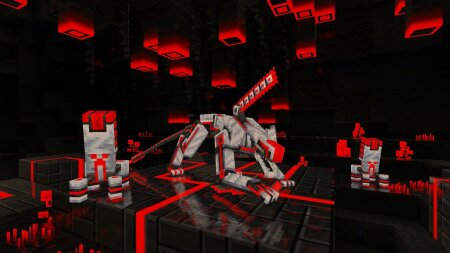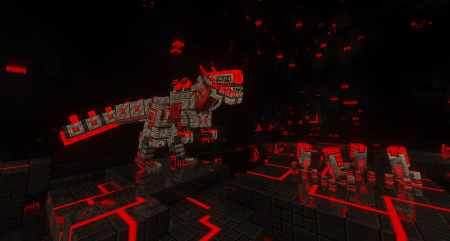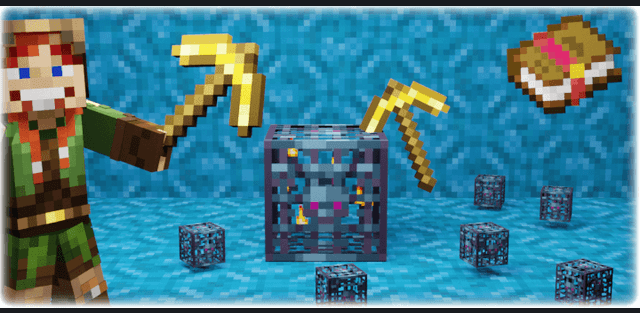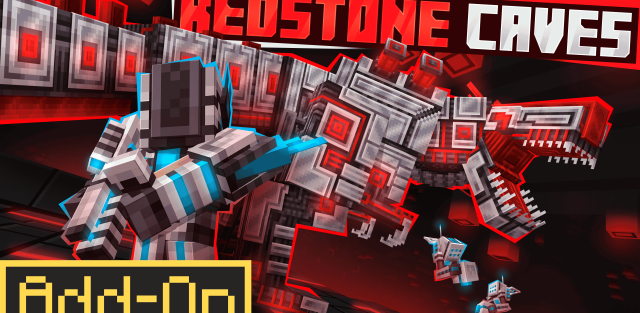
Delve deep into a brand-new Redstone-themed cave biome, a glowing underground world of crystalline ores, geometric structures, and synthetic ecosystems. The biome is populated by robotic creatures powered by the cave’s Redstone energy.
- New Magnetite and Hematite stone types
- Exclusive Redstone ores and crystals
- Massive cubic Magnetite formations and glowing stalactites
- Redstone vegetation and crystalline lava pools
- No vanilla lava, water, or stone – it’s a whole new world
Meet the Machines
Mechanical wildlife roams the caves, sustained by Redstone energy nodes called Wild Network Cores.
- 6 new Hostile robotic mobs, bound to red cores
- Tame and convert them using Player Network Cores
- Robots can become pets, helpers, or farming companions
- Build your own custom robots with a clean, advanced design
- All machines require a connection to your Redstone energy network
Energy & Network System
The heart of Wan’s Redstone Caves is the custom Network system, a unique infrastructure for powering and automating machines. No cables, no hoppers required.
- Generators produce stable energy using a rare synthetic mineral: Bluestone
- Fixed-cost logic: machines use exact energy units (no ticks or timers)
- Network Cores automatically connect machines within range
- Create sub-networks for advanced storage routing and inventory control
Craft Advanced Machinery
Harness the power of the biome to craft machines in two tech tiers:
Tier 1 – Made with Iron & Bluestone
Tier 2 – Made with Magnetite & Pure Redstone
Each machine includes:
- Custom GUI for inventory filtering
- Network-linked storage access
- Full integration with your Redstone energy network
New Tools & Key Materials
- Magnetite Ingot – A durable dark metal from cave stone
- Pure Redstone – Refined energy crystal, used in advanced tech
- Synthetic Bluestone – Fusion of Redstone Dust Diamond
- Custom tools and machines for resource farming, automation, and exploration